Sign In To Get Free
AI Credits

Sign in to get everyday free AI credits, enjoy more AI edits.

PrettyUp

Sign In To Get Free
AI Credits

Sign in to get everyday free AI credits, enjoy more AI edits.

Sign In To Get Free
AI Credits

Sign in to get everyday free AI credits, enjoy more AI edits.

Free AI Breast Expansion Online

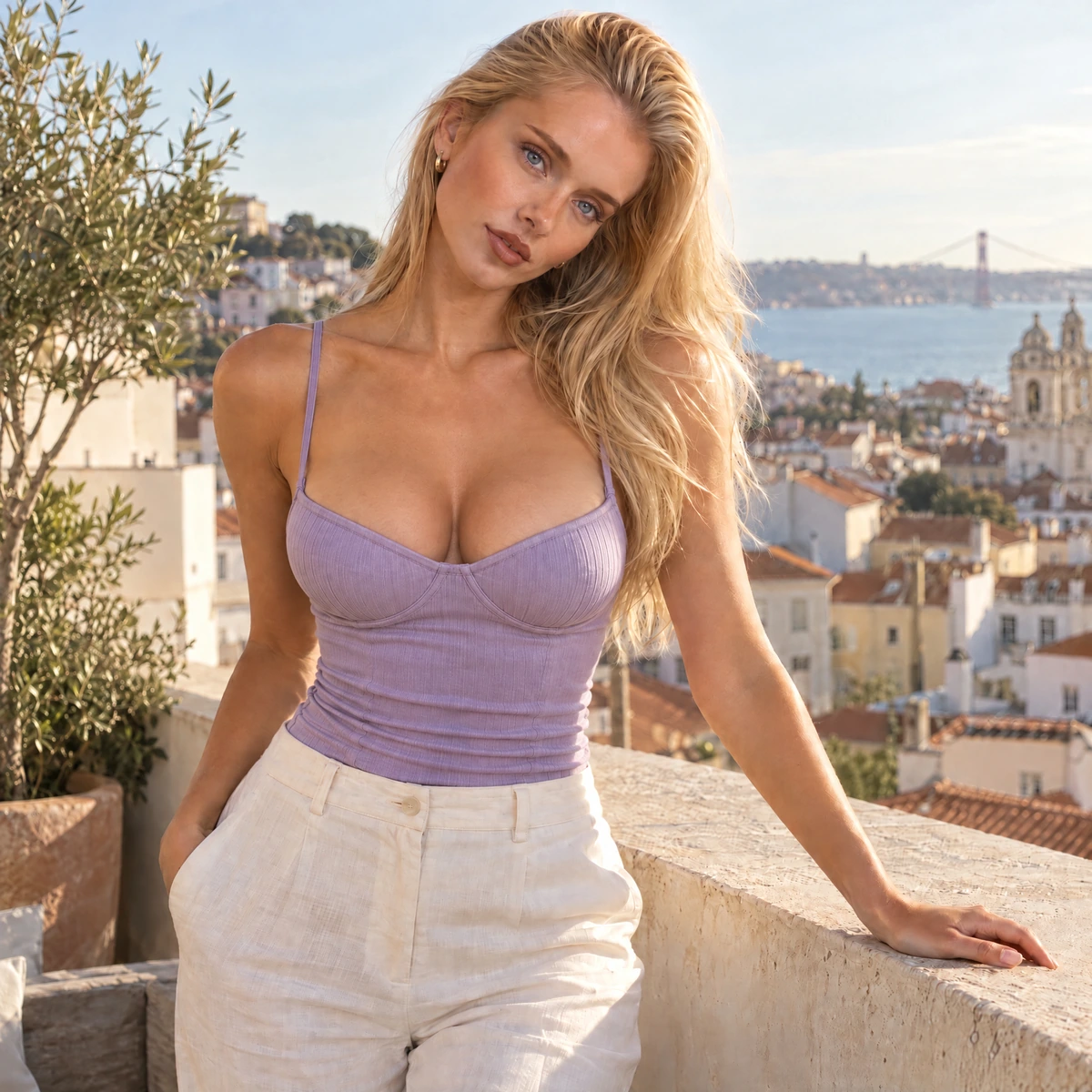
Adjust bust proportions with PrettyUp's AI breast enhancer. Fine-tune strength, try round or teardrop presets, and choose who to edit in group photos, with the original photo available for comparison.
Adjust bust proportions online. Control strength, try AI shape presets, and choose a person in group photos.
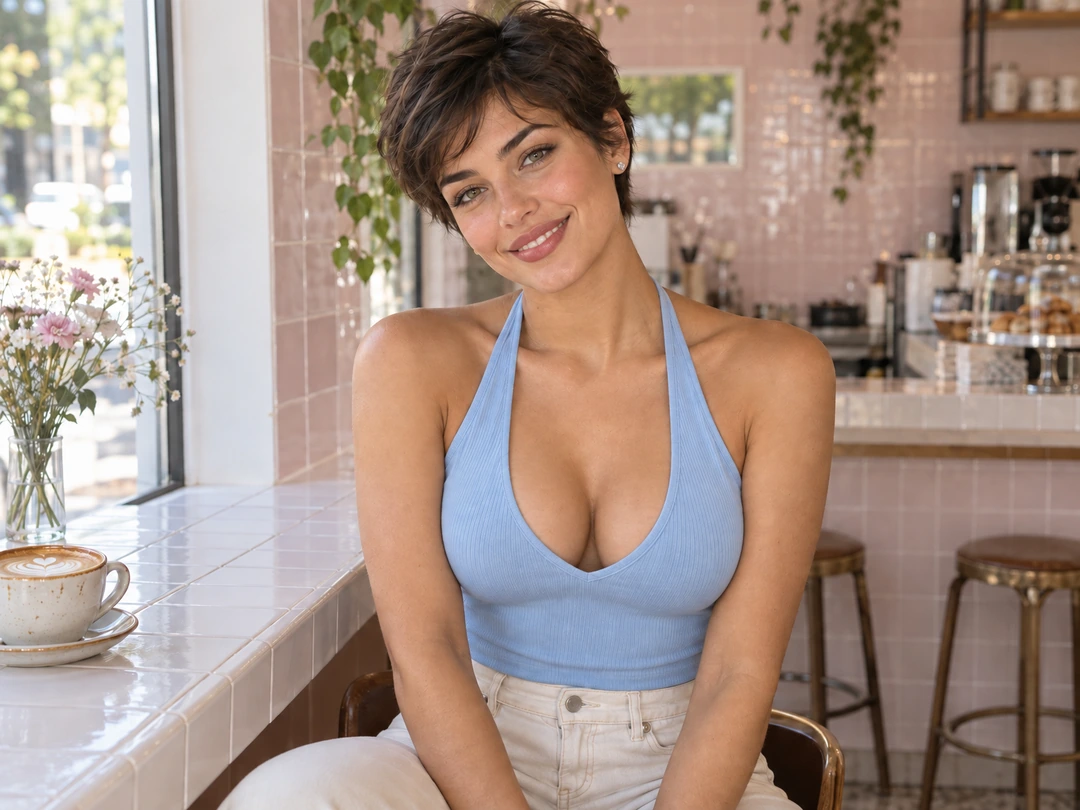
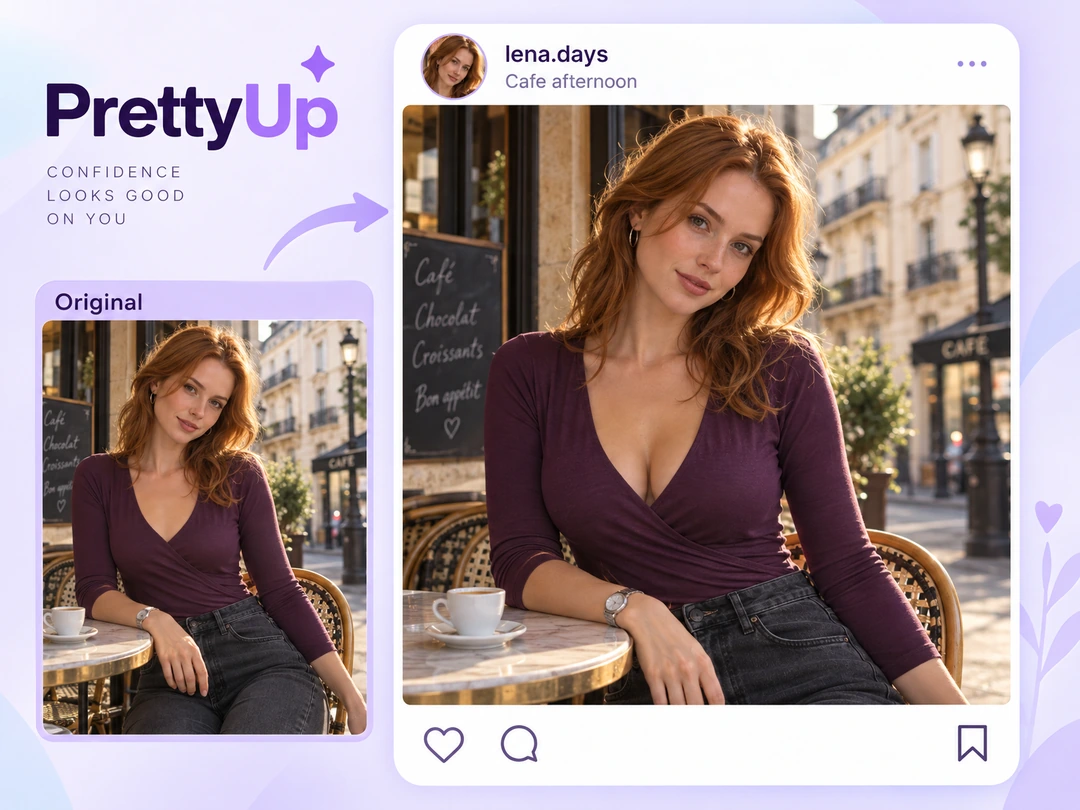
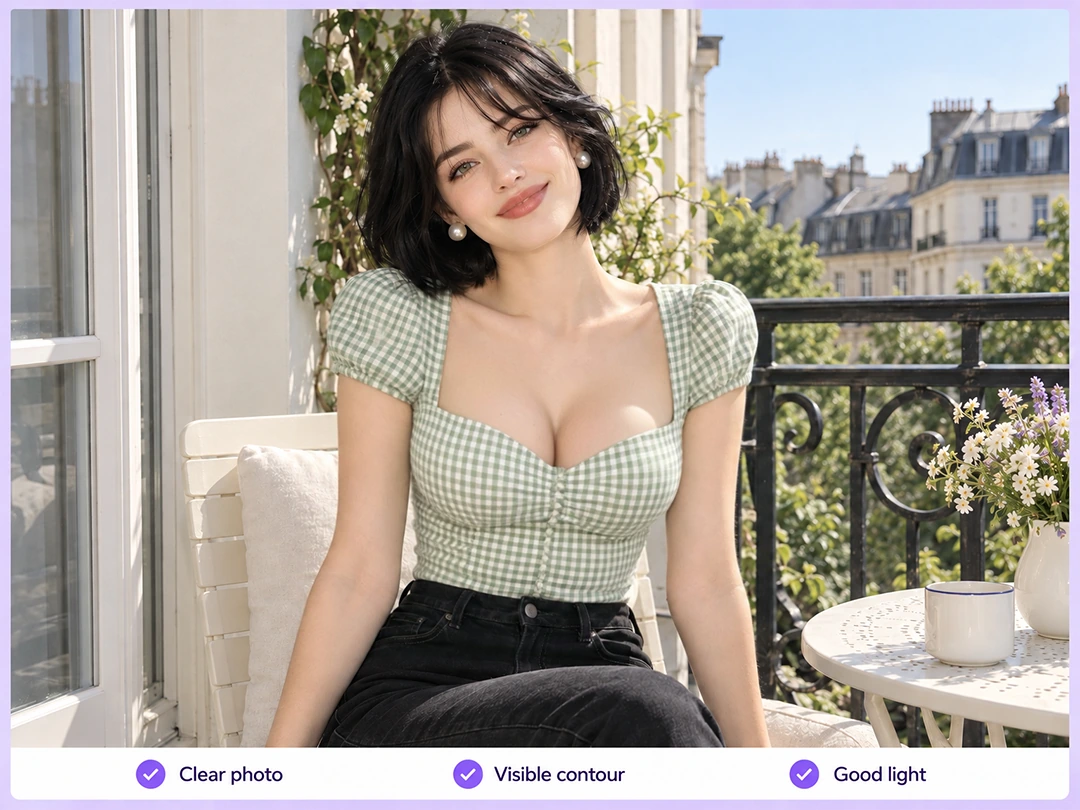
The same adult portrait with adjusted bust proportions
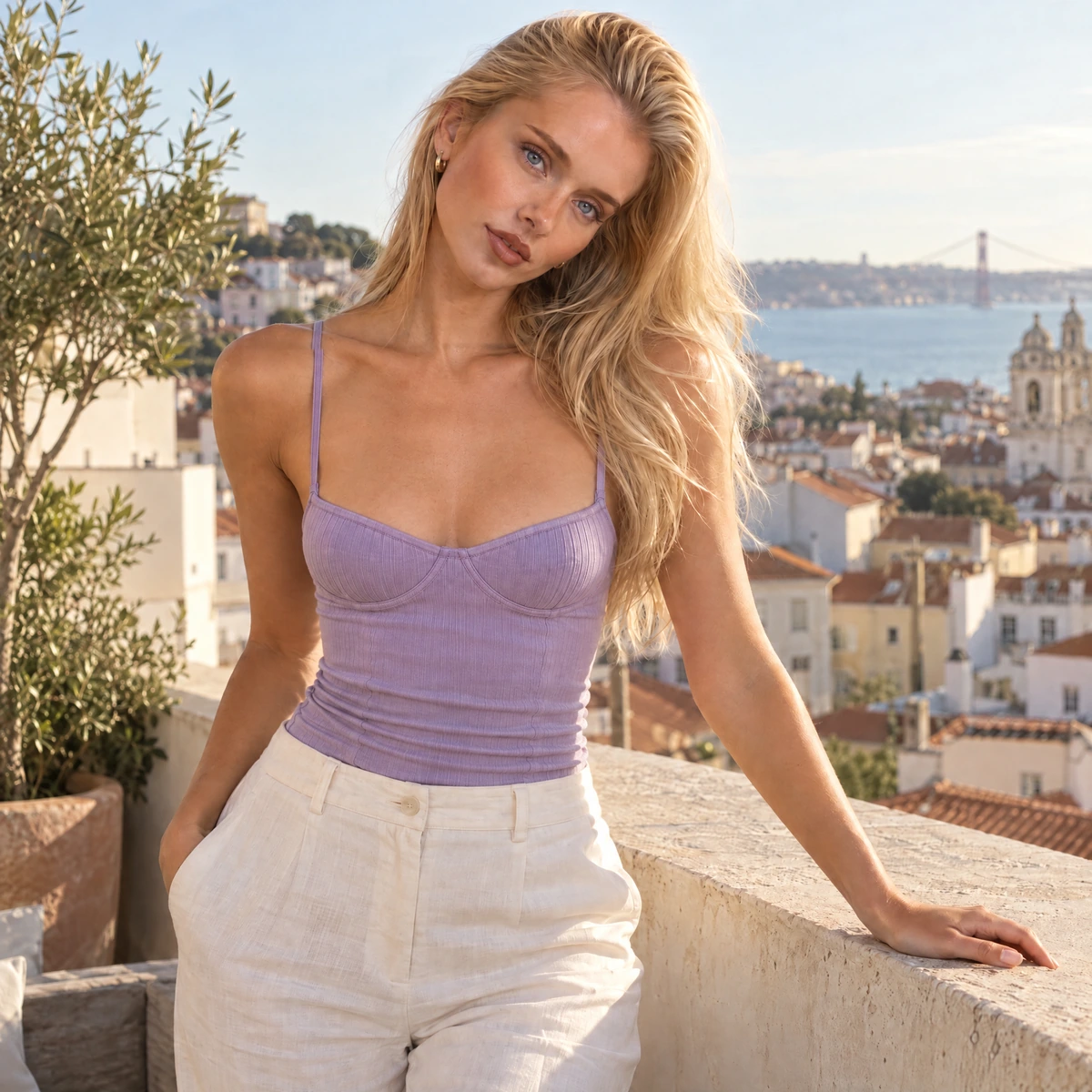
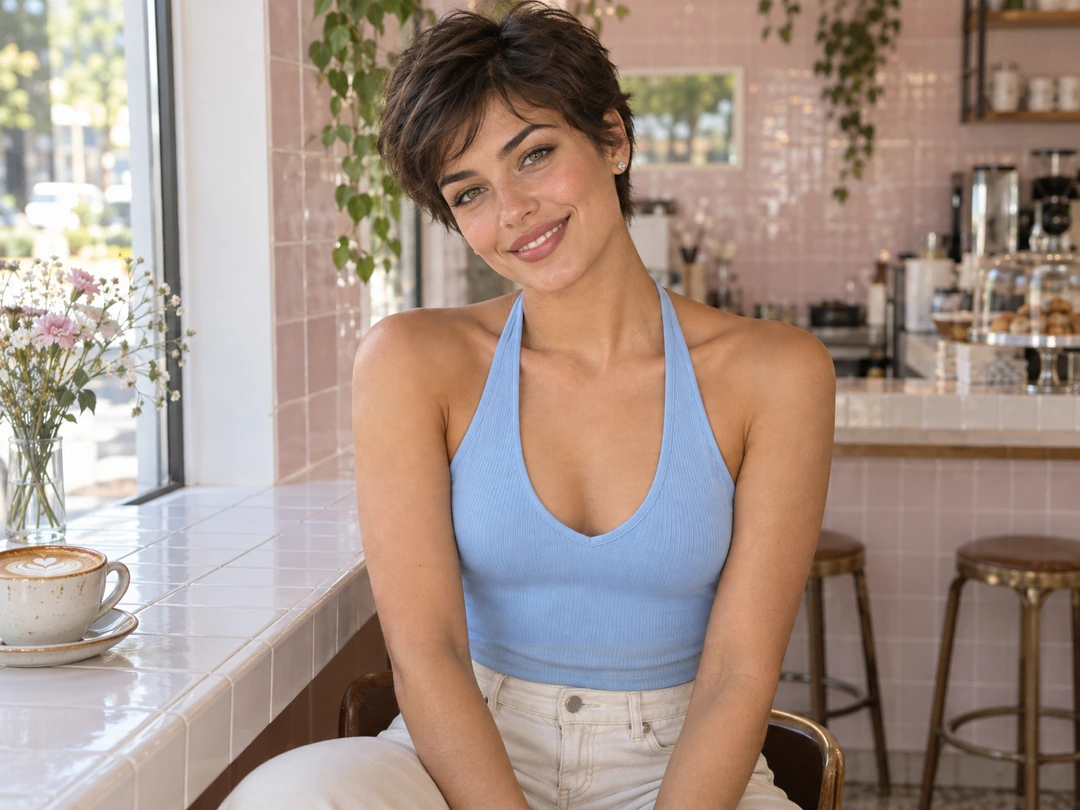
Original clothed adult portrait before bust enhancement
Click to upload, or drag and drop one file.

Why Choose PrettyUp's AI Breast Expansion?

Part of PrettyUp's Body Editor, this AI breast editor combines strength controls, shape presets, and person selection. Adjust bust proportions while keeping the rest of your portrait in view.
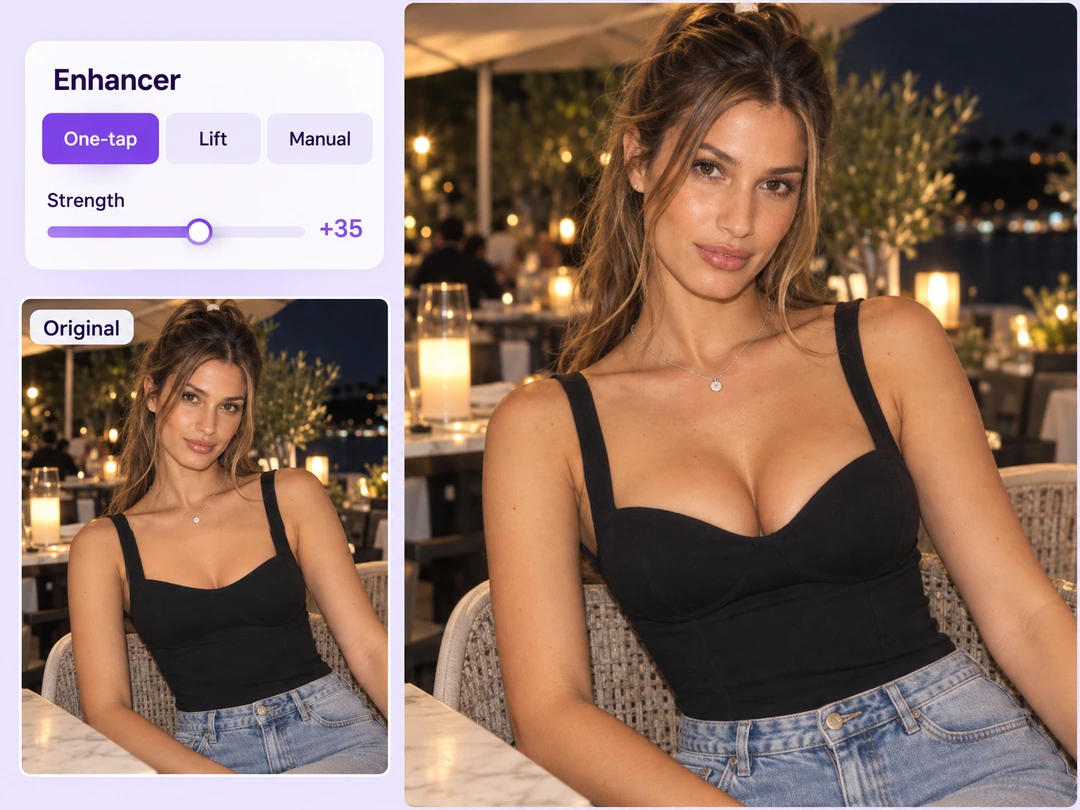
Enhancement strength comparison in an adult portrait

Control Enhancement Strength Your Way

Adjust bust fullness with One-tap or try Lift for a different contour. The Strength control lets you choose the amount of adjustment, while Manual offers extra fine-tuning. One-tap and Lift replace each other, and manual adjustments can be added on top. This gives you a practical way to refine the result around your own preference, from a light touch-up to a more noticeable change in your photo.
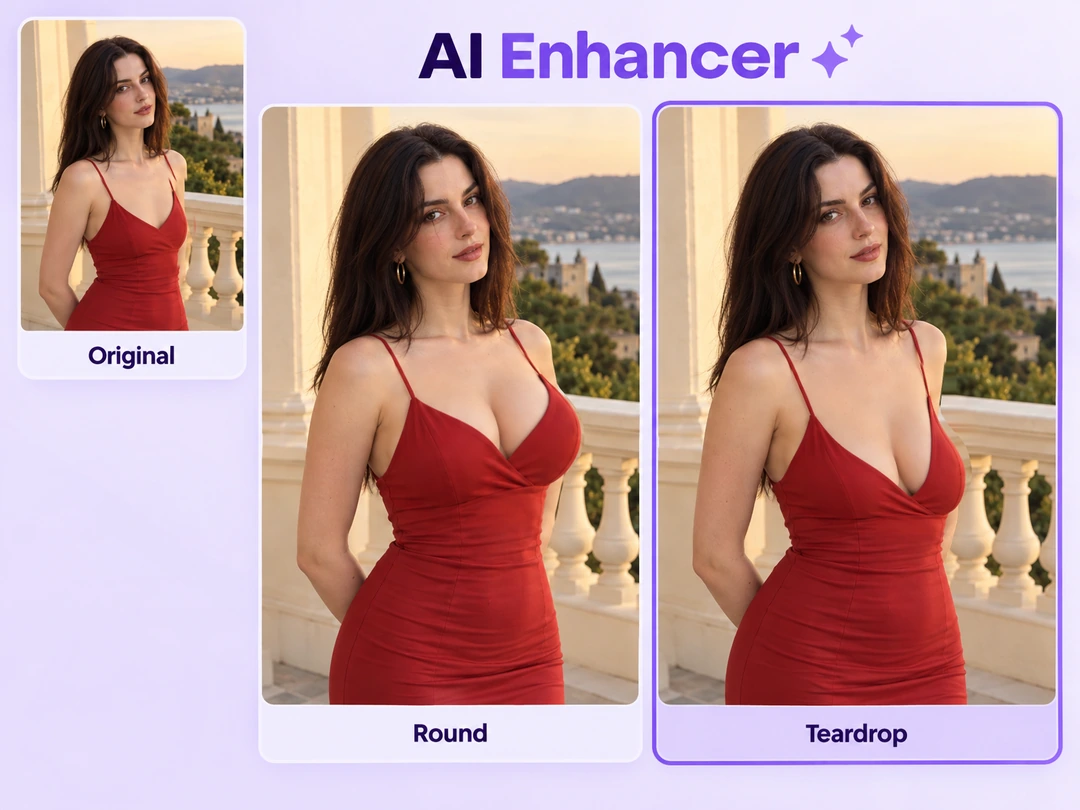
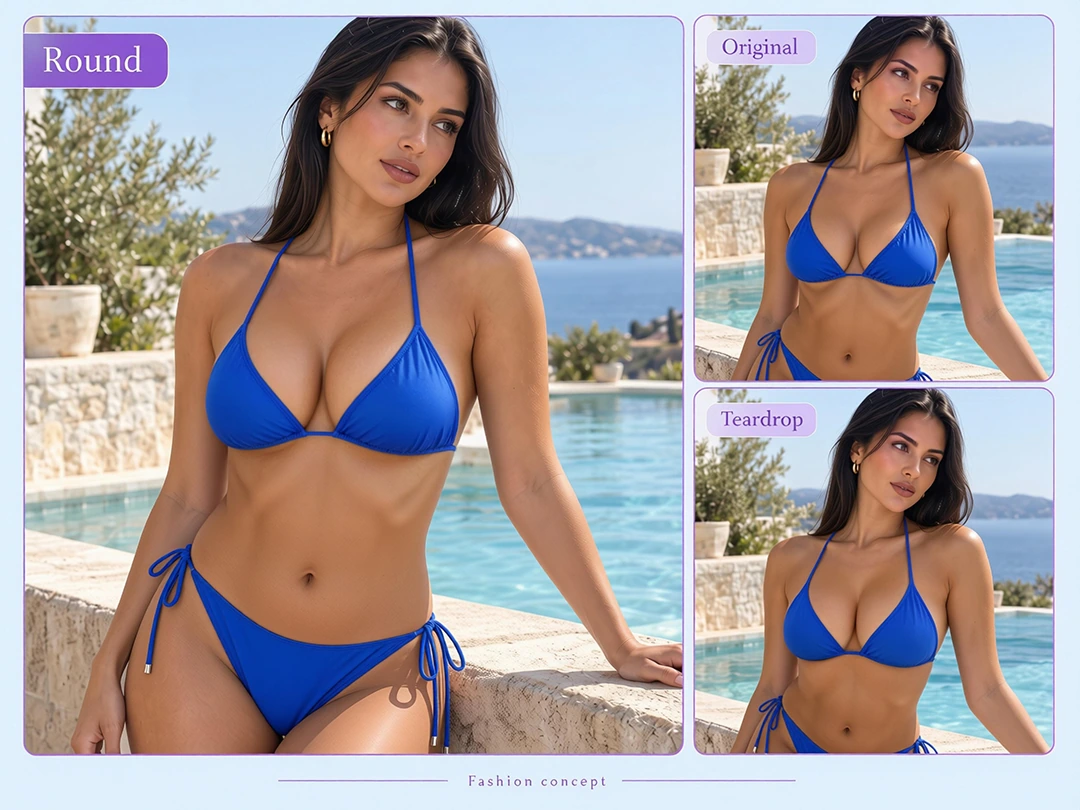
Round and teardrop previews from the same adult photo

Choose Round or Teardrop AI Shape Presets

Try a different bust silhouette with the Round and Teardrop options in AI Enhancer. Select a preset and generate a preview to see how that shape looks in your photo. These choices offer a clear starting point when you want to explore shape as well as fullness. Compare the preview with your original portrait, then decide which contour works best with the proportions and outfit already in the image.
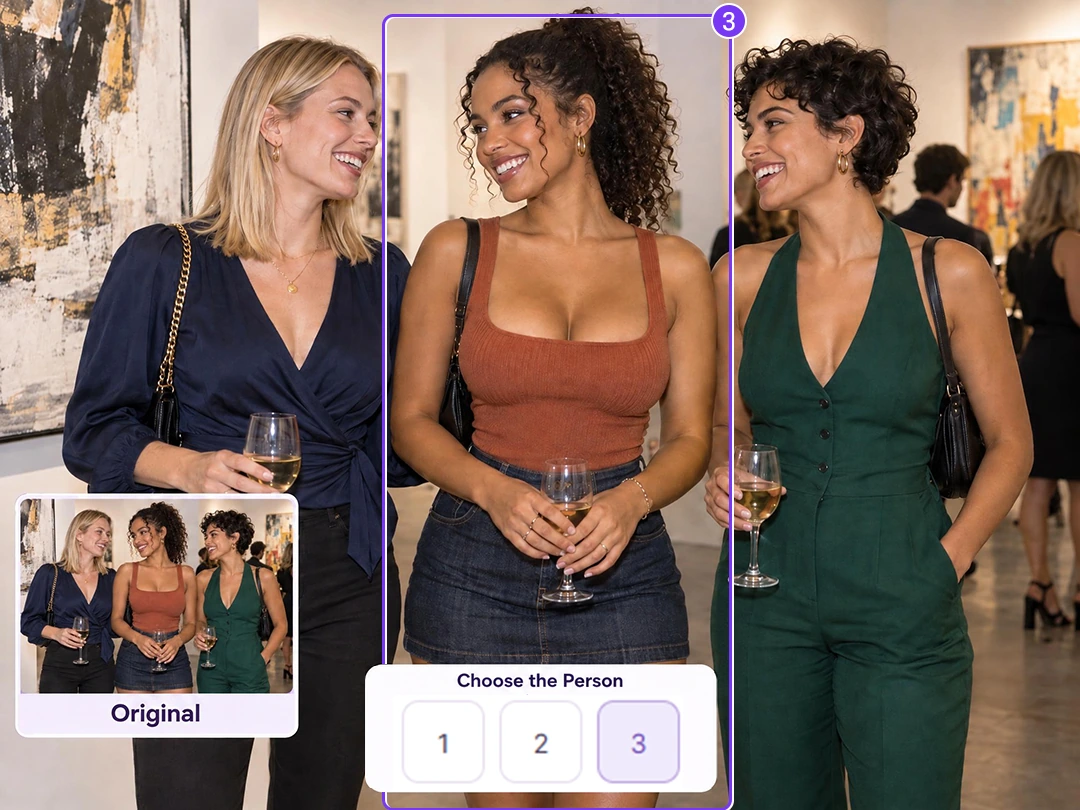
Selected adult subject in a group photo

Choose One Person to Edit in Group Photos

Direct your edit to the person you choose when a photo includes multiple people. PrettyUp supports person selection for images with more than one face or body, so you can identify the intended subject before adjusting their bust proportions. Keep your group composition in view while working on your chosen portrait, whether it is a photo with friends or a shared outfit shot from an event.
Bust enhancement example with the subject’s facial details retained
Original adult portrait showing facial features and expression

Preserve Your Facial Details While Editing

PrettyUp helps preserve your facial details while adjusting bust proportions. The edit focuses on the selected body area, with face protection designed to retain the features and expression that make your portrait recognizable. Explore a fuller contour in a selfie or a group photo while keeping your eyes, lips, and overall facial character part of the same familiar image.
Bust reshaping example showing neckline, fabric folds, and clothing details

Preserve Clothing Details as You Reshape

PrettyUp works with your original outfit as you reshape the bust area, helping retain visible fabric details and the character of your clothing. Neckline edges, folds, and patterns remain part of the source image as the local contour adjusts. The aim is a cohesive portrait that brings your chosen proportions together with the outfit, pose, and lighting already captured in your photo.

Where Can You Use AI Breast Enlarger?

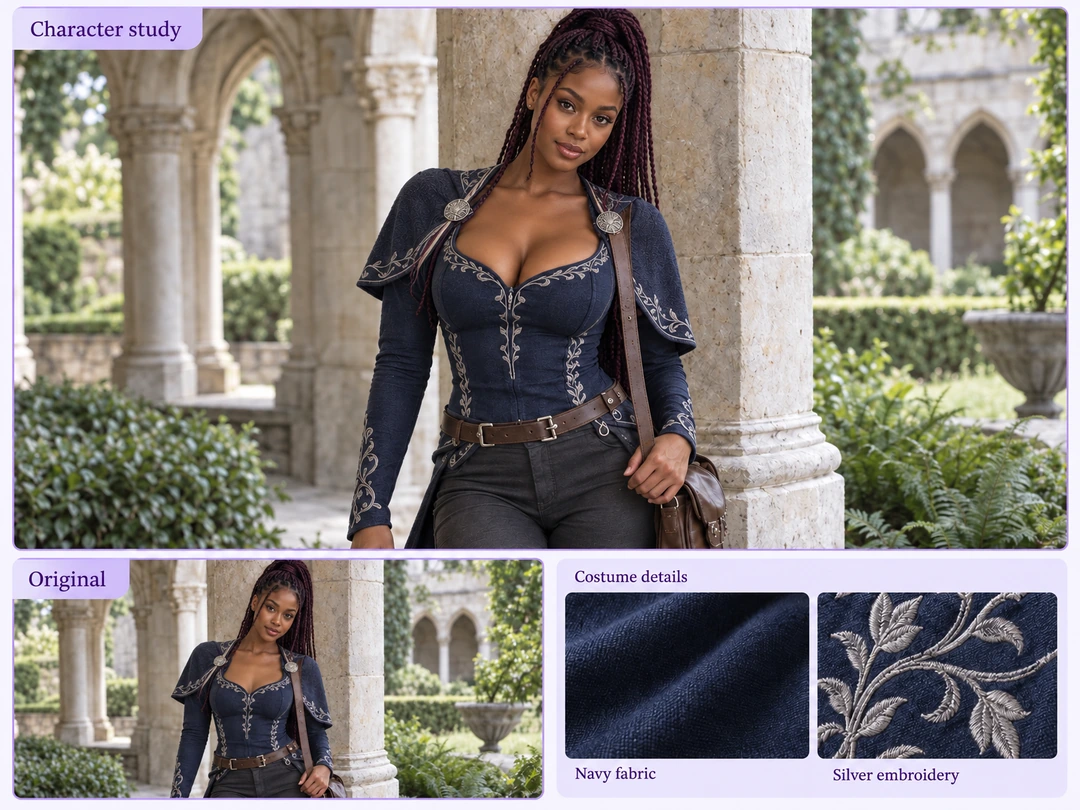
Explore bust proportions for personal portraits, fashion concepts, consultation references, and adult character styling. Each use starts with a photo and a visual goal, with room to compare different looks.
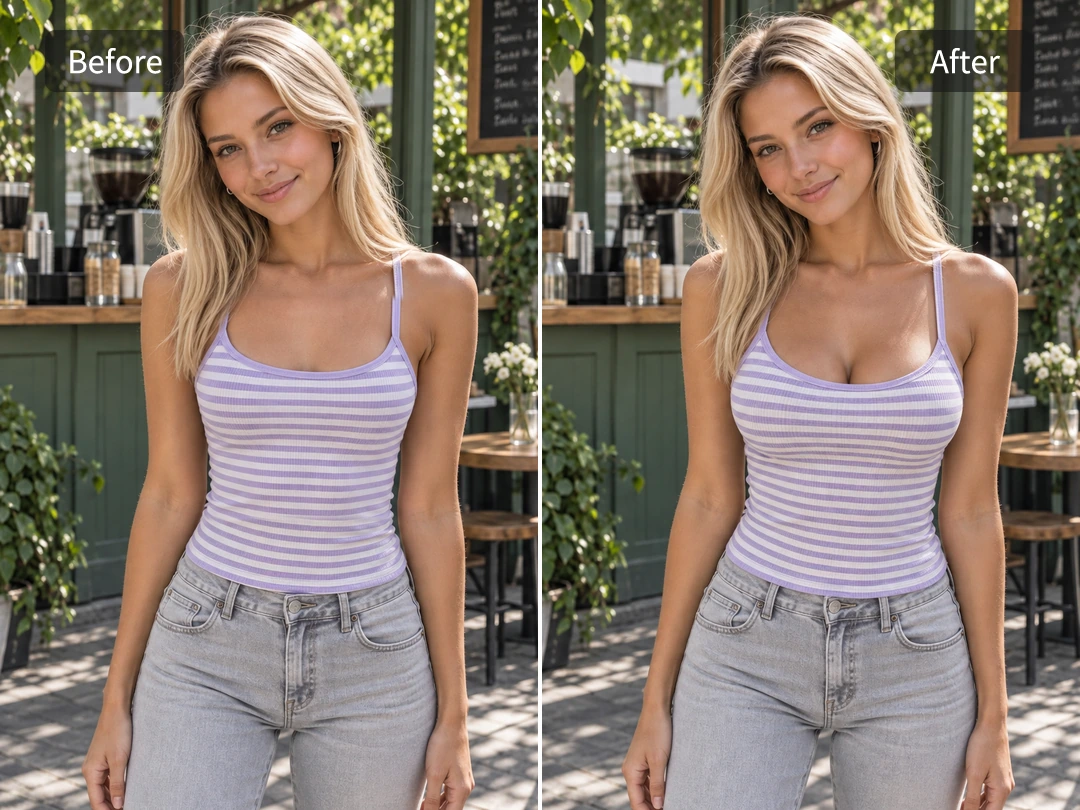
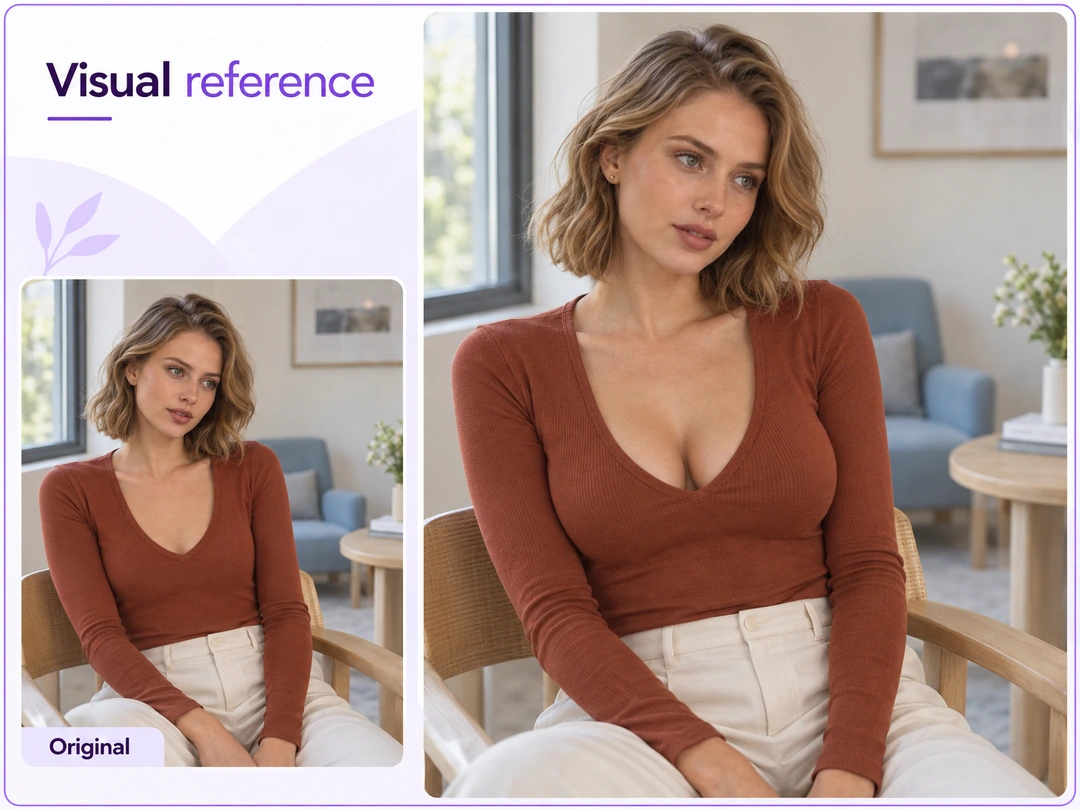
Adult outfit portrait with adjusted bust proportions

Social Portraits and Everyday Outfit Checks

Fine-tune bust proportions in selfies, dating-profile pictures, or outfit photos, and select one person in shots with friends. Explore how a fuller contour looks with a V-neck top, fitted knit, or dress. For waist or silhouette adjustments, continue with PrettyUp's Slim Photo Editor.

How Do You Enhance Bust Proportions in a Photo?

Photo upload in the PrettyUp editor
  1. Add the photo you want to edit to PrettyUp. Choose a clear image with the chest area visible, so you have enough detail to judge the change against the original.
Clear adult portrait with an unobstructed chest area

Which Photos Work Best for Bust Editing?

Choose a clear starting photo and judge the result across the whole image. Good visibility makes it easier to compare the bust contour with your outfit, pose, and lighting before you settle on an edit.

Keep the Chest Area Visible

Choose a well-lit photo with a visible chest contour. Hair, crossed arms, bags, or heavy layers can make the area harder to assess. A clear starting image helps you judge the adjustment more easily.

Start with a Smaller Adjustment

Try a lighter strength first, then increase it if you prefer a more noticeable result. Check neckline edges, printed patterns, arm contours, and background lines as you compare with the original.

Confirm the Person and Photo

In a group image, confirm the intended person before editing. When several photos are in the workspace, select the one you want to work on. The current editor processes one selected image at a time.

AI Breast Expansion: Your Questions Answered

How Do Enhancer and AI Enhancer Differ?

Enhancer offers One-tap, Lift, Manual, and a Strength control for adjustments. AI Enhancer offers Round and Teardrop presets with generated previews. Choose the approach that matches the change you want to explore.

Can I Edit One Person in a Group Photo?

Yes. PrettyUp supports choosing a person in photos with multiple faces or bodies. Select the intended subject before adjusting bust proportions, then compare the complete image with your original group photo.

Is PrettyUp's AI Breast Enhancer Free?

You can get started within the available free allowance. AI-generated previews use credits, so check the allowance and credit balance shown in the editor before generating. Available access and credit requirements depend on the feature and your account.

Are My Uploaded Photos Private?

Before uploading a personal photo, review PrettyUp’s Privacy Policy for information about data collection, processing, and retention. Use photos you own or have permission to edit, and get consent from anyone whose image you alter.

Can I Download My Edited Photo Without a Watermark?

Yes. PrettyUp supports watermark-free photo downloads. Save the result you choose after editing, and check the export options shown in the editor for the output settings available to your current photo.
iOS app announcement

Due to changes in App Store review policies, our app is temporarily unavailable in your region while we update features in the iOS version. We expect it to return within one to two weeks.

Existing users can continue using the app with all benefits unchanged, and can also download it again. To redownload it, open the App Store, tap your profile picture in the upper-right corner, and go to “Apps & Purchase History.” We will reopen downloads once the app is available again.