Sign In To Get Free
AI Credits

Sign in to get everyday free AI credits, enjoy more AI edits.

PrettyUp

Sign In To Get Free
AI Credits

Sign in to get everyday free AI credits, enjoy more AI edits.

Free Beauty Filter Online for Photos and Videos

PrettyUp's free AI beauty filter online refreshes skin, makeup, and facial details in photos and videos. Adjustable presets help you create a polished, natural look in your browser, with no app installation needed.
Retouch photos and videos for free online, with beauty presets and sliders that keep your look under your control.
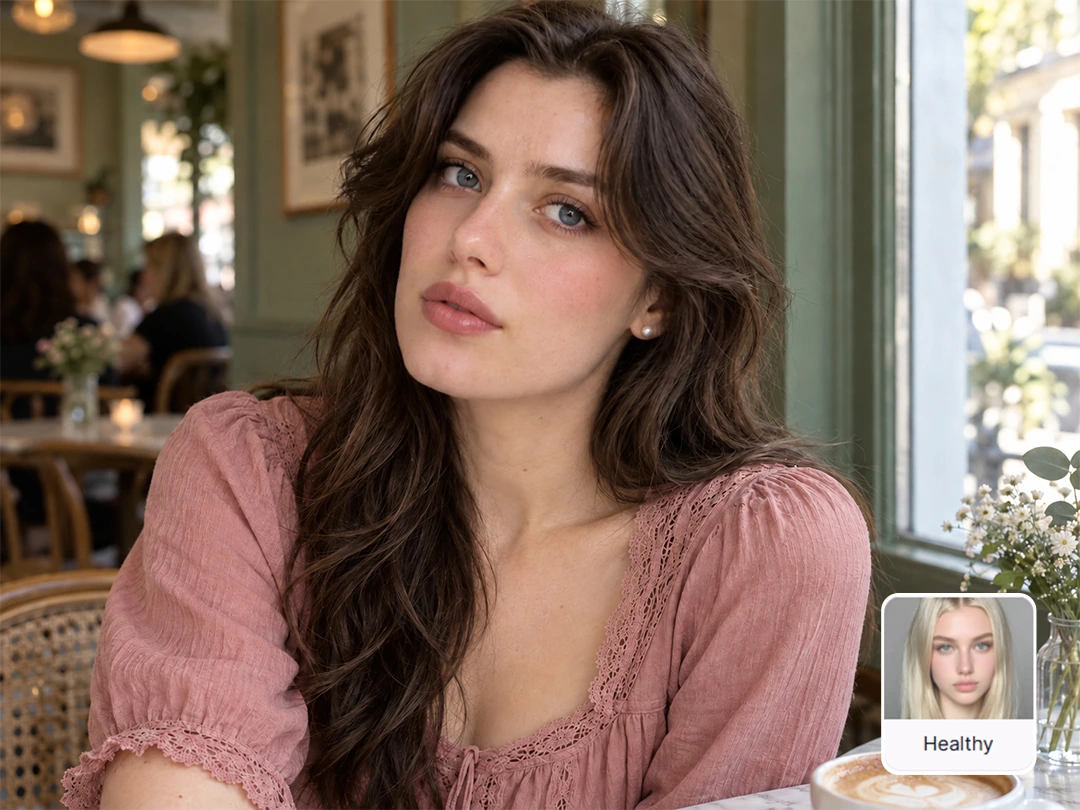
Portrait after subtle skin and makeup adjustments
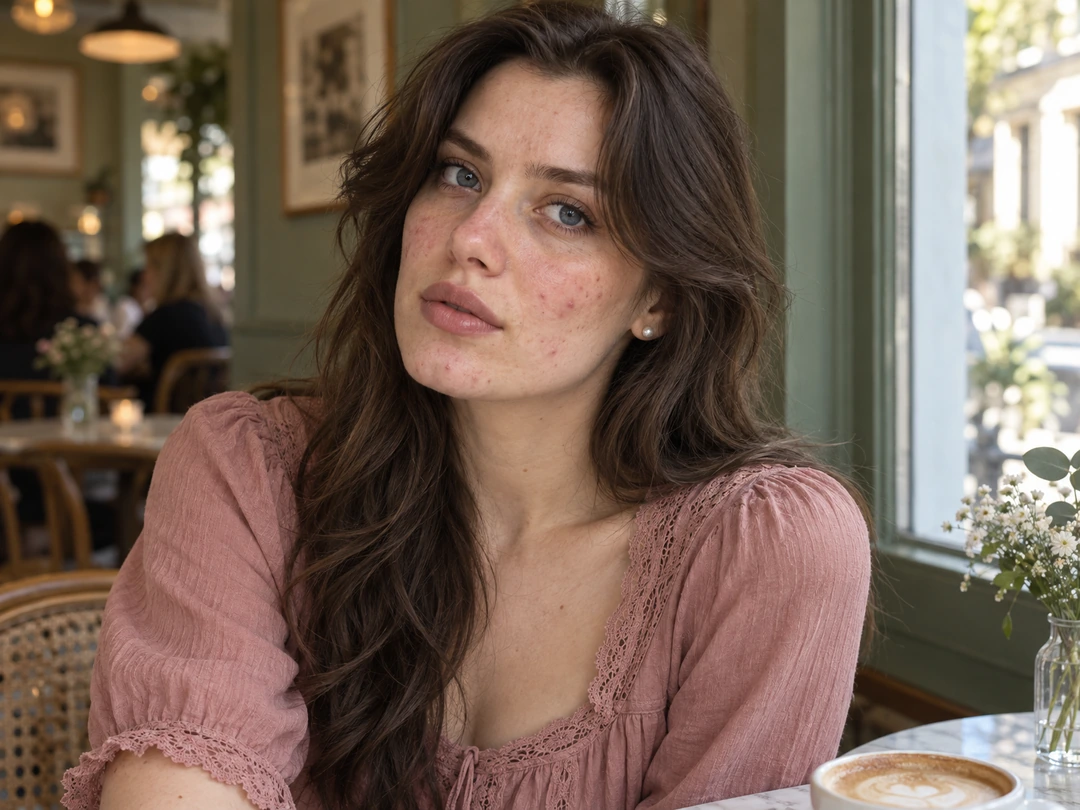
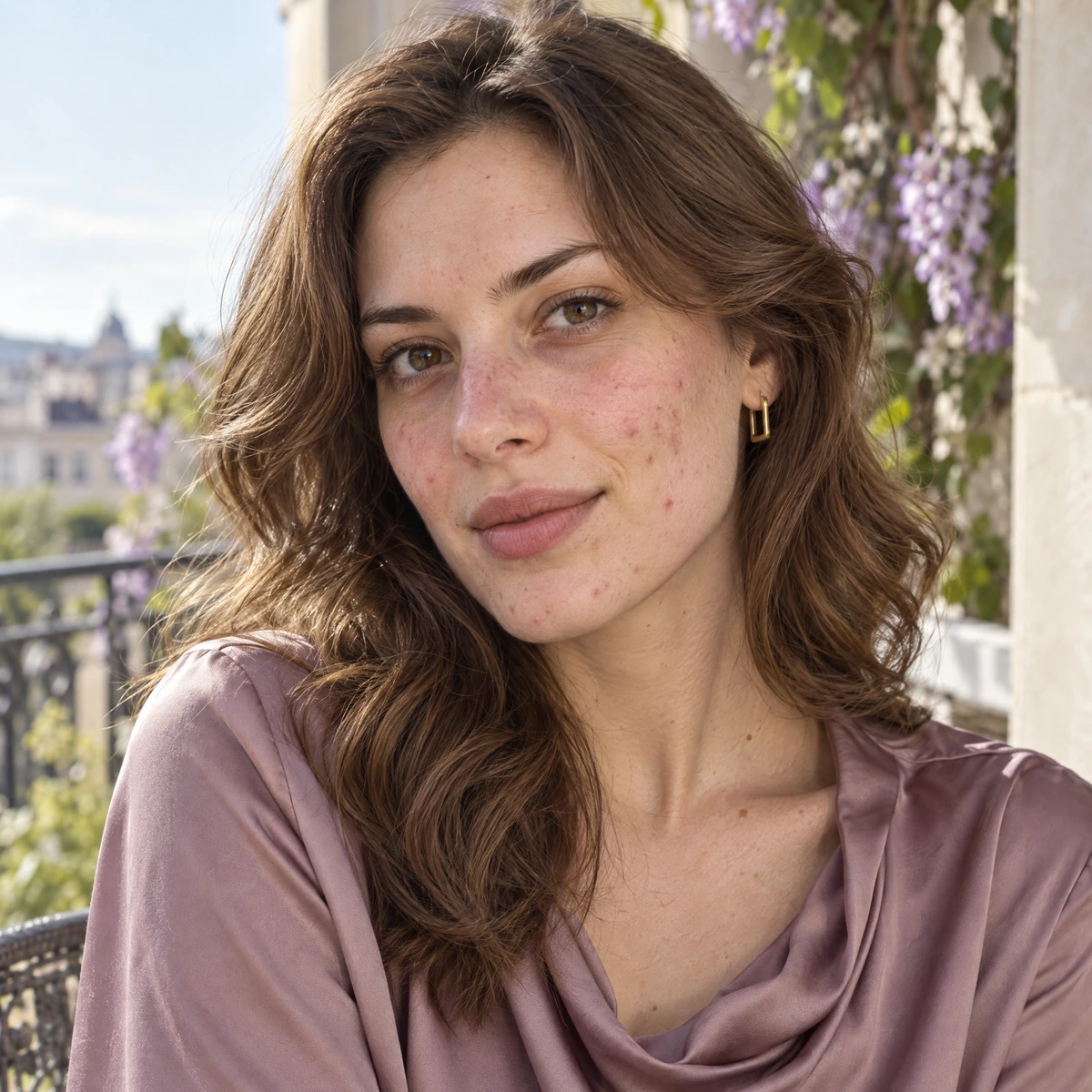
Portrait before a beauty filter with natural skin texture
Click to upload, or drag and drop one file.

Why Choose PrettyUp's Beauty Filter for Photos and Videos?

A polished portrait should be easy to create and worth keeping. PrettyUp brings photo and video beauty tools to your browser, with flexible access, detailed photo exports, and clear image privacy rules.

Online Beauty for Photos and Videos

One online beauty filter works with both still portraits and recorded clips. PrettyUp brings skin, makeup, and facial adjustments into the same editing workflow, so selfies and videos can share a look you like.
Free Online Access, No App Needed

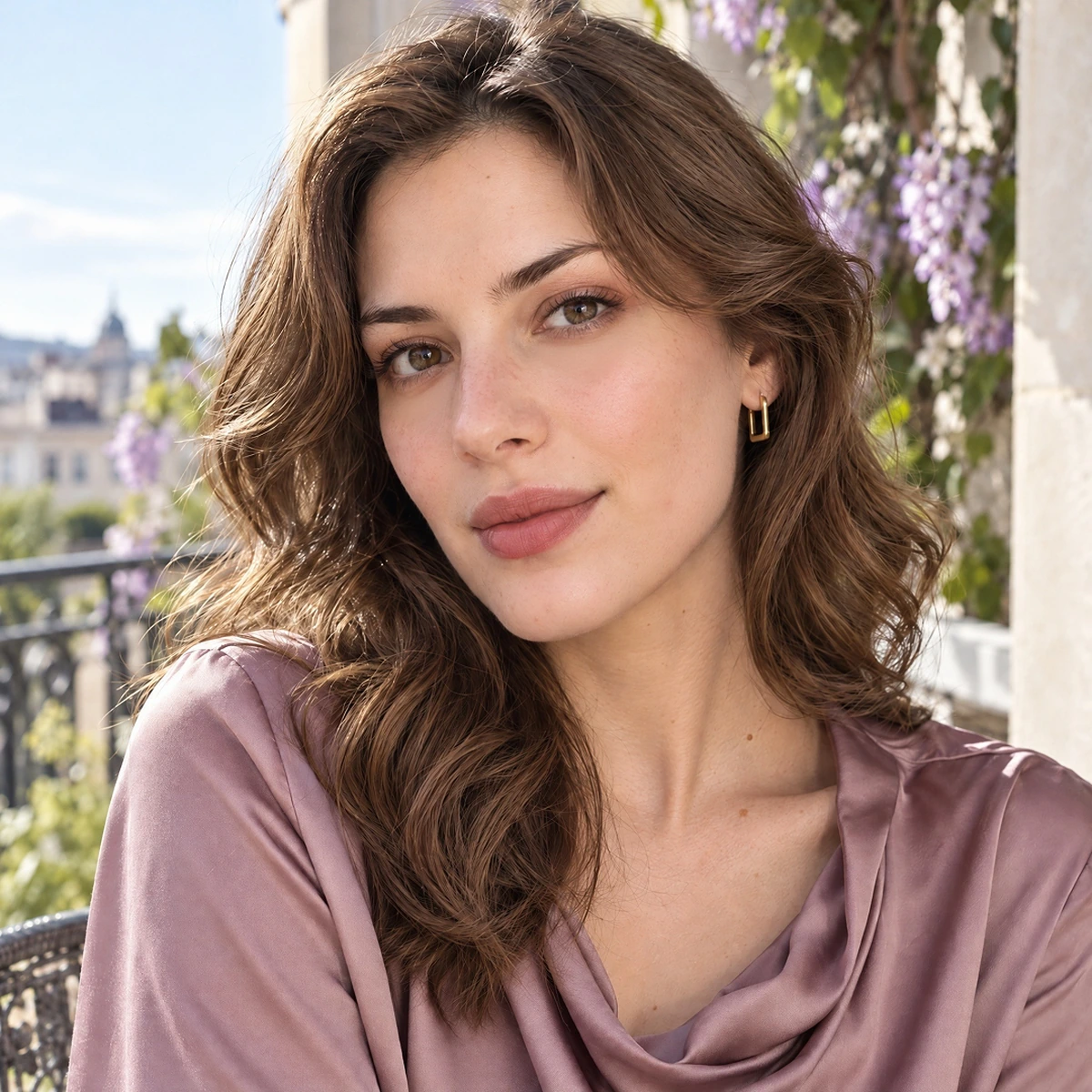
Your browser is all you need to get started for free. PrettyUp opens on desktop and mobile, so a photo or video saved on your computer or phone can enter the editing workflow without a separate app installation.

HD Photo Exports That Keep the Details

A good photo beauty filter should leave you with a picture worth saving. PrettyUp exports edited photos at their original dimensions, keeping portrait and makeup details clear for a closer look or your next post.

Private Images with Automatic Cleanup

Your private selfies do not need to stay online indefinitely. Uploaded images are processed in a private cloud, deleted within 24 hours, and never used for model training, giving you clearer expectations before editing.

Explore More Features of PrettyUp's Online Beauty Filter

Beauty filters feel more personal when you can shape the result. PrettyUp combines ready-made looks with adjustable details, helping you balance skin, makeup, and facial features in photos and videos.
Portrait after a balanced skin and makeup preset
Portrait before a coordinated beauty preset

A Complete Beauty Look in One Click

A beauty preset brings your whole look together without a long list of manual edits. PrettyUp combines skin, makeup, and facial adjustments in a single preset so that you can refresh a selfie or recorded video with a single selection. Its face editor also lets you refine facial details afterward, giving you an easier way to shape the result around your own preferences.
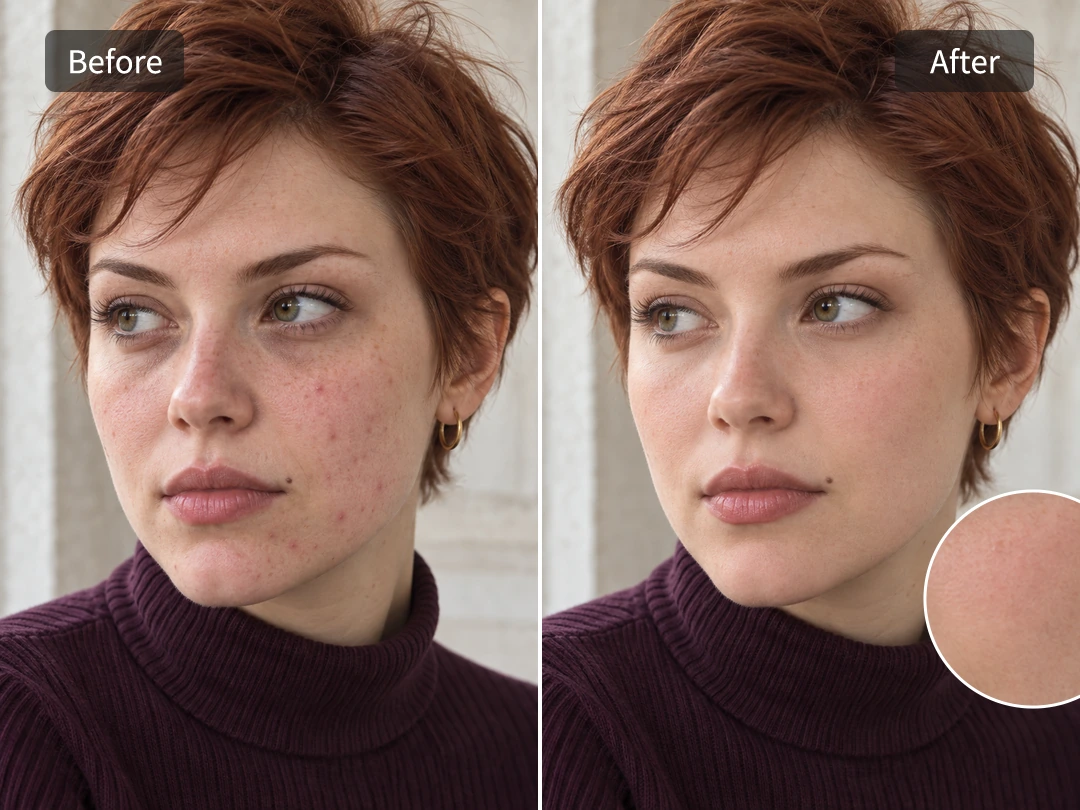
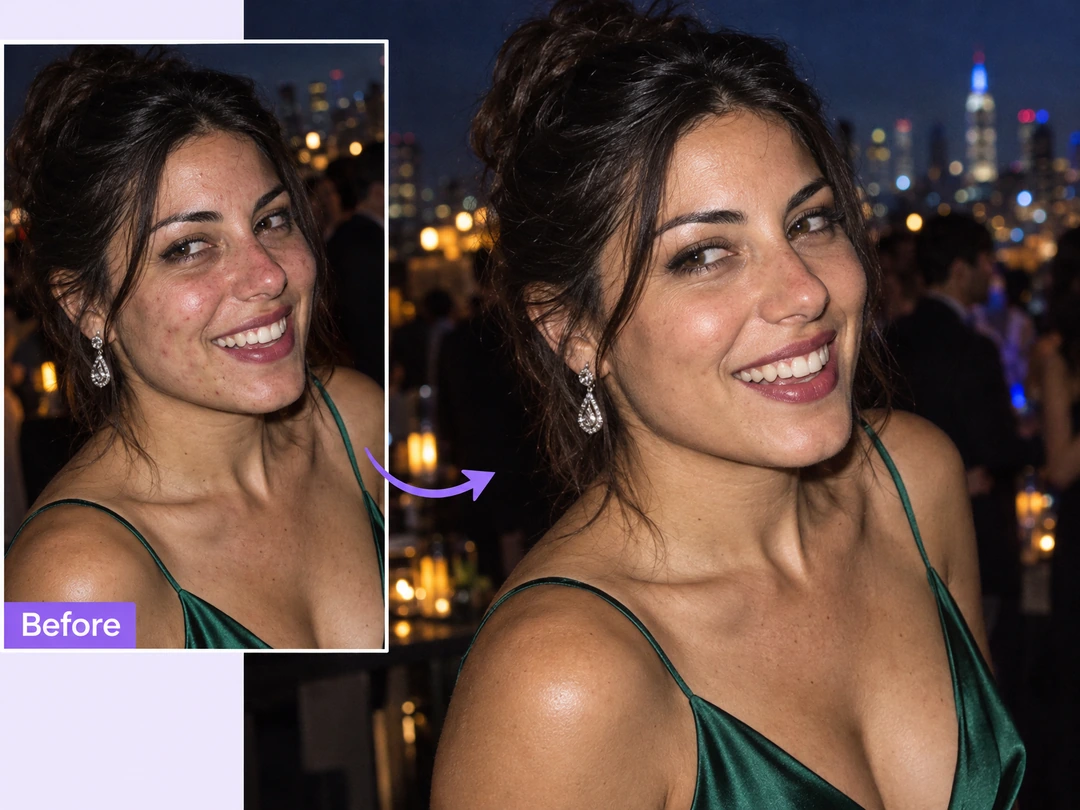
Natural portrait with subtle retouching and visible skin texture

Natural Retouching That Still Looks Like You

Natural retouching helps you look refreshed while keeping the features that make you recognizable. PrettyUp's AI beauty filters let you adjust the amount of smoothing and makeup, so you can soften uneven skin texture without an overly airbrushed finish. A lighter touch keeps the result closer to your original appearance, giving you more control over how much you change in a selfie or recorded video.
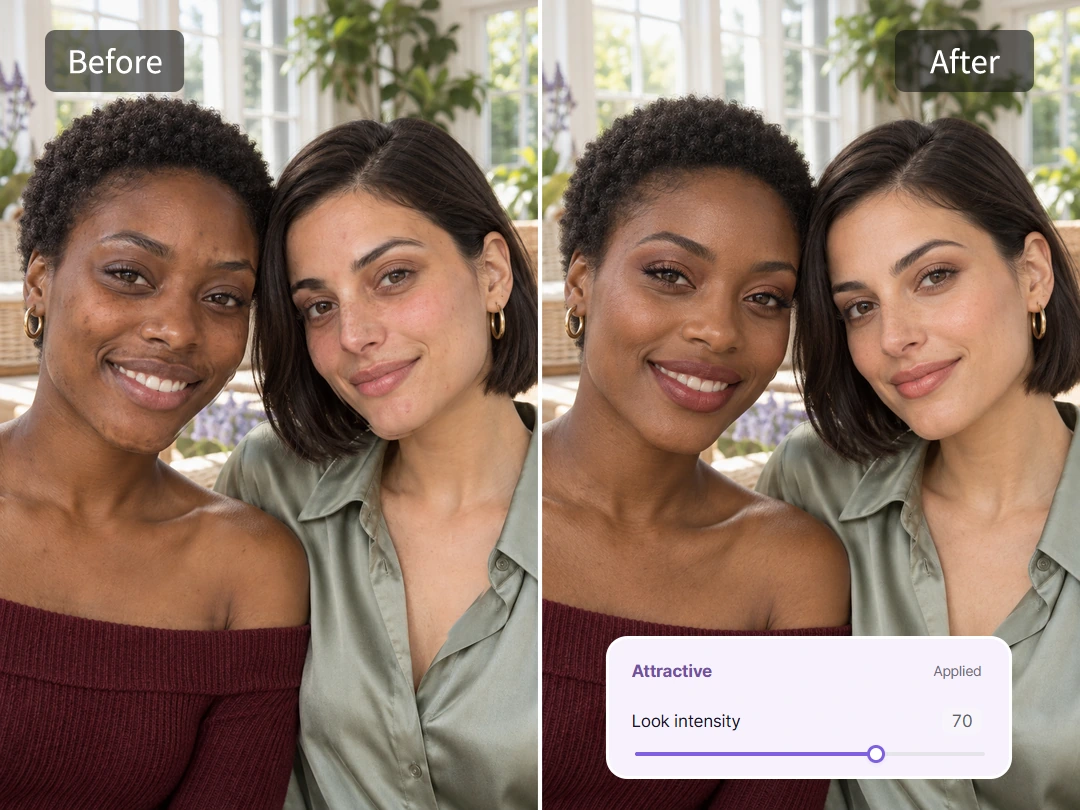
Different skin tones with individually adjusted makeup intensity

Celebrate Every Skin Tone and Your Natural Beauty

A flattering makeup look should work with your skin tone and personal style. Our AI beauty filter pairs beauty presets with sliders for individual makeup details, letting you fine-tune their intensity instead of accepting a fixed result. This flexible approach supports different skin tones and preferences, helping you find a balance that complements your complexion and keeps the overall portrait harmonious.
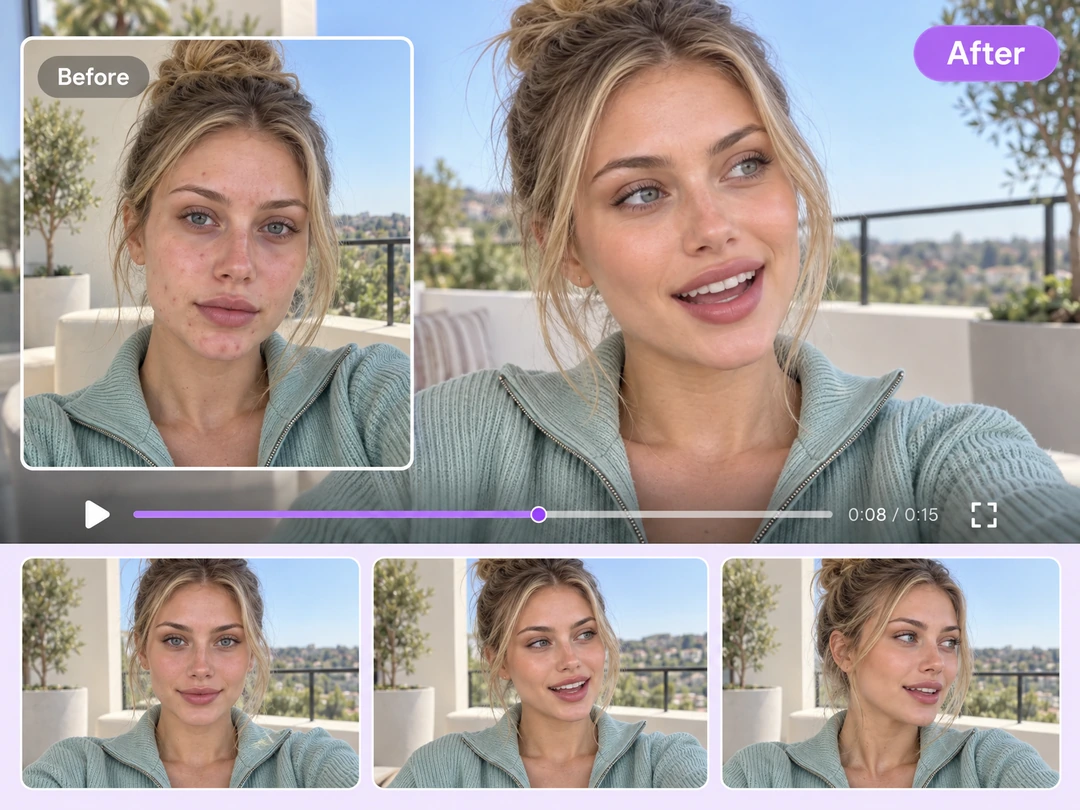
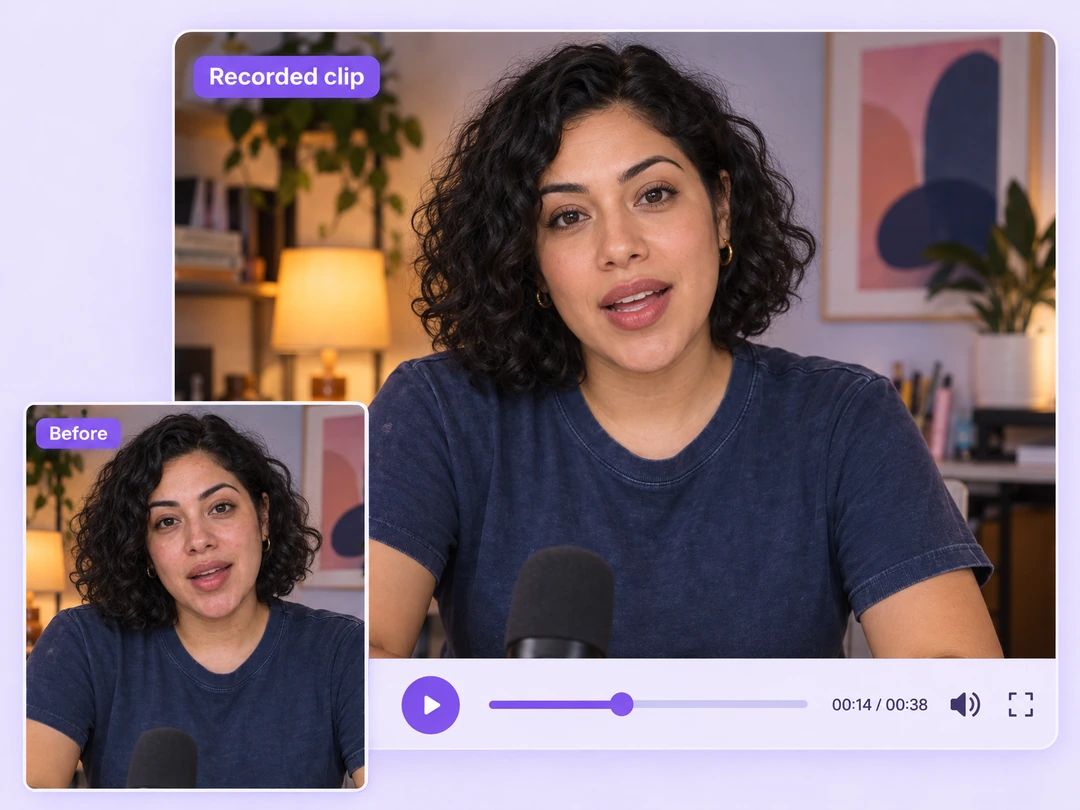
Recorded video showing a consistent beauty look as the face turns

Video Beauty That Moves Naturally with You

A video beauty filter should keep up as you speak, turn your head, and move. Our tool helps makeup and facial effects follow your expressions and movement, reducing visible misalignment and distortion around background edges. This keeps the look more consistent throughout a recorded clip, so talking-head videos, vlogs, and everyday moments feel natural as your expression changes.
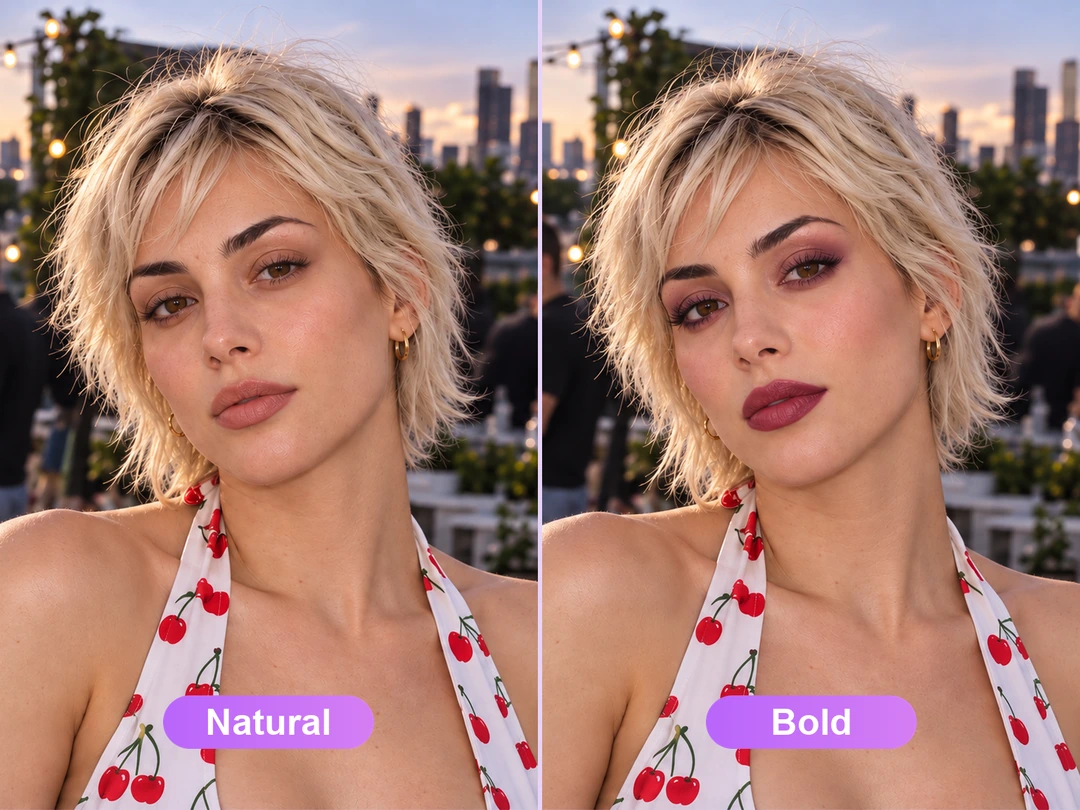
One portrait styled with soft and expressive makeup presets

Beauty Presets for Your Social Media Style

The right preset helps your portrait fit the mood you want to share. PrettyUp offers beauty looks ranging from light and understated to bold and expressive, so makeup can complement your outfit, setting, and personal taste. Whether you want a soft everyday selfie or a more striking social post, the available styles make it easier to find a look that feels at home on Instagram or TikTok.
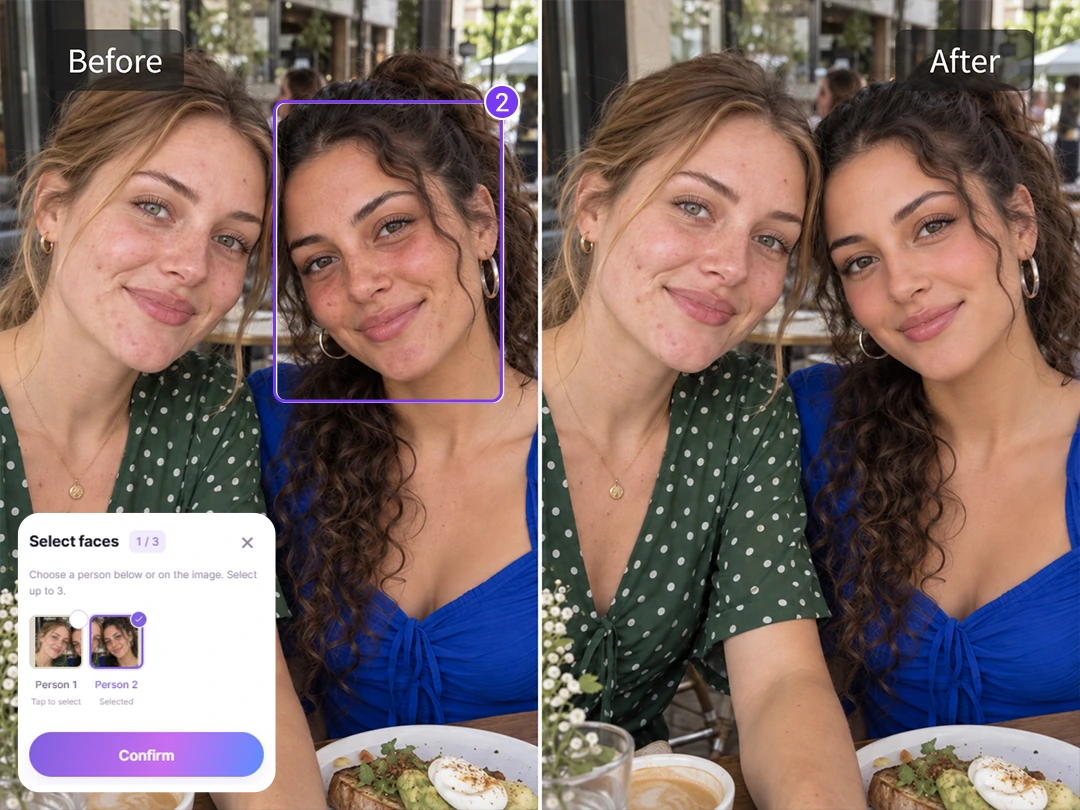
Group photo with one selected face receiving a makeup adjustment

Individual Beauty Adjustments in Group Photos

A group photo can look more balanced when each person gets a say in the finish. PrettyUp's face beauty filter lets you select a particular face and adjust its beauty or makeup settings separately, instead of applying the same look to everyone. One person can keep a softer touch while another chooses more definition, helping friends with different preferences share a photo they all feel comfortable posting.

When Can PrettyUp's Beauty Filter Help You Look Your Best?

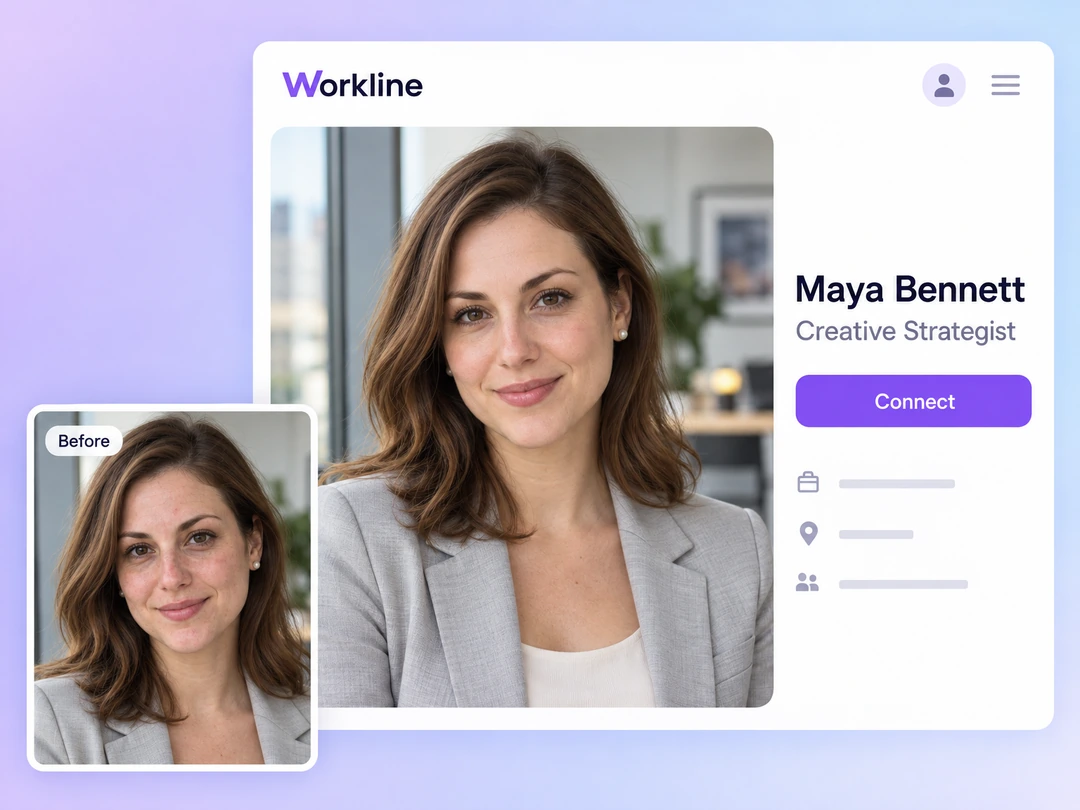
Every portrait has a different purpose, from a casual post to a professional profile. Adjustable beauty presets let you match the finish to the moment while keeping the result natural and recognizably you.
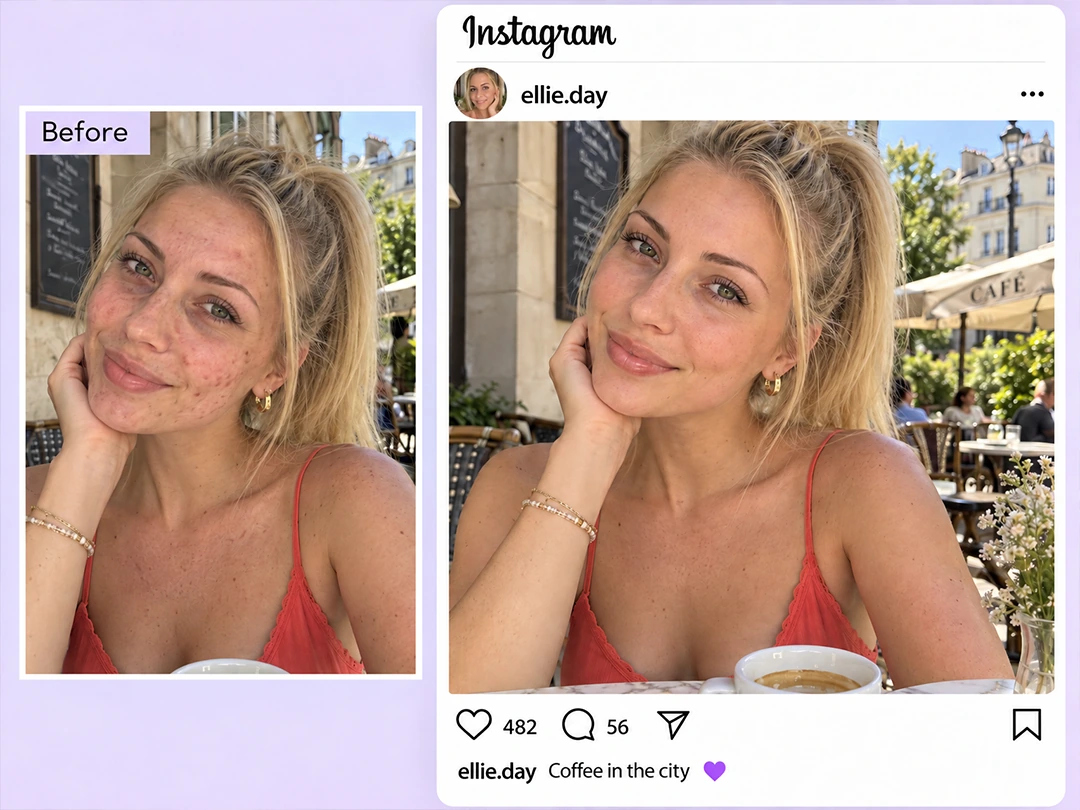
Everyday selfie styled for an Instagram or TikTok post

Everyday Instagram and TikTok Posts

An Instagram beauty filter can help everyday posts feel more consistent. PrettyUp's adjustable presets let you match makeup to your outfit and the mood of your feed, whether you are sharing a selfie or a TikTok clip. You can keep the effect subtle or choose a bolder look for the occasion.

How Do You Apply a Beauty Filter Online?

  1. 01

    Upload Your Photo or Video

    The editor accepts a saved photo or recorded video from your device. In a desktop or mobile browser, open PrettyUp and use the upload control to select your file. Once it loads, select the portrait or clip you want to edit.
  2. 02

    Choose a Preset and Refine the Look

    A preset gives your edit a starting point. Under Face, open Presets and select a beauty look, then use the Face and Makeup controls to fine-tune it. For a group photo, select the face you want to edit. Hold Compare to view the original, then release it to return to your edit; play through a video to review the effect in motion.
  3. 03

    Export the Finished Photo or Video

    Export saves the finished result to your device. Choose PNG or JPG for the selected photo at its original dimensions, or export the selected video clip as an MP4. When processing finishes, download the file to save or share.
Desktop workflow for uploading, adjusting, and exporting a portrait

How Does PrettyUp Compare with Other Beauty Filters?

Compared with Kaze and Wink, PrettyUp combines 25 beauty presets, makeup intensity sliders, facial adjustments, and individual face selection in group photos, with support for both photos and videos.
FeaturePrettyUpKazeWink
Editing MethodBeauty presets and fine-tuning slidersPrompt-based makeup descriptionsBeauty presets
Photos and Videos✅
Photos and videos
✅
Photos and videos
❌
Photos only
Makeup Intensity✅
Adjustable with sliders
✅
Adjusted through prompts
❌
No intensity adjustment
Facial Adjustment Sliders✅❌❌
Individual Faces in Group Photos✅
Select one face for makeup adjustments
❌
Not supported
❌
Not supported
Beauty Presets✅
25 presets
❌
No beauty presets
✅
13 presets
Best ForPhoto and video users who want presets and detailed controlUsers who prefer describing makeup in wordsPhoto users who prefer ready-made makeup looks

What Should You Know About PrettyUp's Beauty Filter?

Can I use a beauty filter on photos and videos without an app?

Yes. PrettyUp lets you edit uploaded photos and recorded videos in your desktop or mobile browser. You can choose a beauty preset and fine-tune the result online, without installing an app on your device.

Will an AI beauty filter make my face look unnatural?

The intensity matters. PrettyUp lets you refine a preset instead of accepting a fixed finish. Subtle adjustments to skin and makeup help preserve your recognizable features. Comparing the result with the original helps you find the right balance.

Is PrettyUp's beauty filter free, and do downloads have a watermark?

You can start for free and download without a watermark within the available allowance. Guests can complete two uploads across photos and videos before login is required. AI tools have separate usage limits.

Does it work with different skin tones, low-light photos, and group portraits?

Yes. Makeup sliders help tailor the look to your skin tone, and you can select one face in a group photo. Subtle edits can improve a low-light portrait, though they cannot recover detail that the camera never captured.

How are my uploaded photos handled?

Uploaded photos are processed in a private cloud and deleted within 24 hours. They are not used for model training, so you can touch up personal portraits with a clear limit on how long the images are retained.
iOS app announcement

Due to changes in App Store review policies, our app is temporarily unavailable in your region while we update features in the iOS version. We expect it to return within one to two weeks.

Existing users can continue using the app with all benefits unchanged, and can also download it again. To redownload it, open the App Store, tap your profile picture in the upper-right corner, and go to “Apps & Purchase History.” We will reopen downloads once the app is available again.