Will whitening make my lips, gums, or skin white too?
+
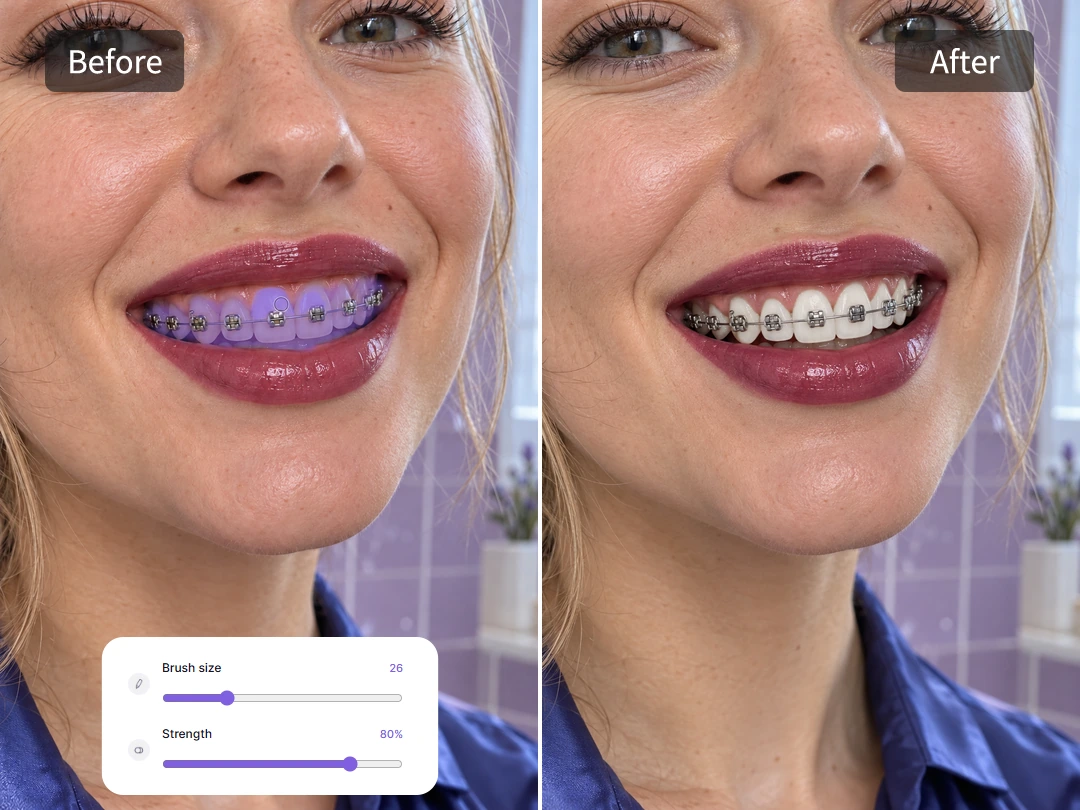
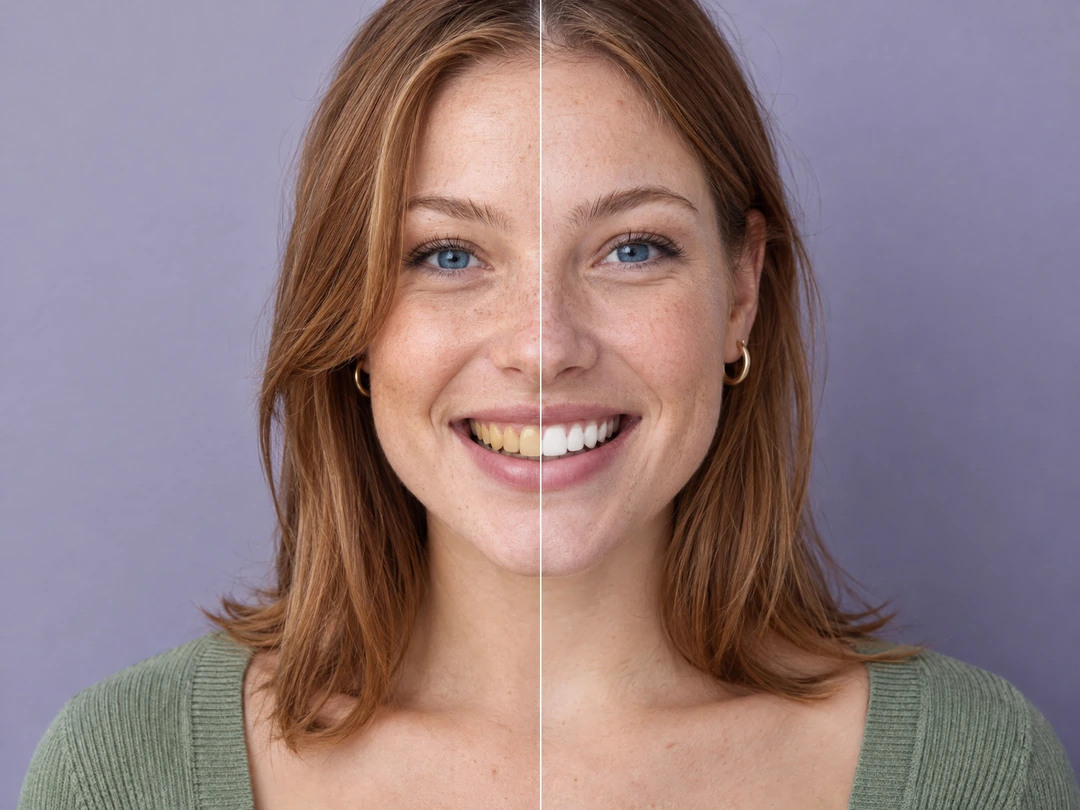
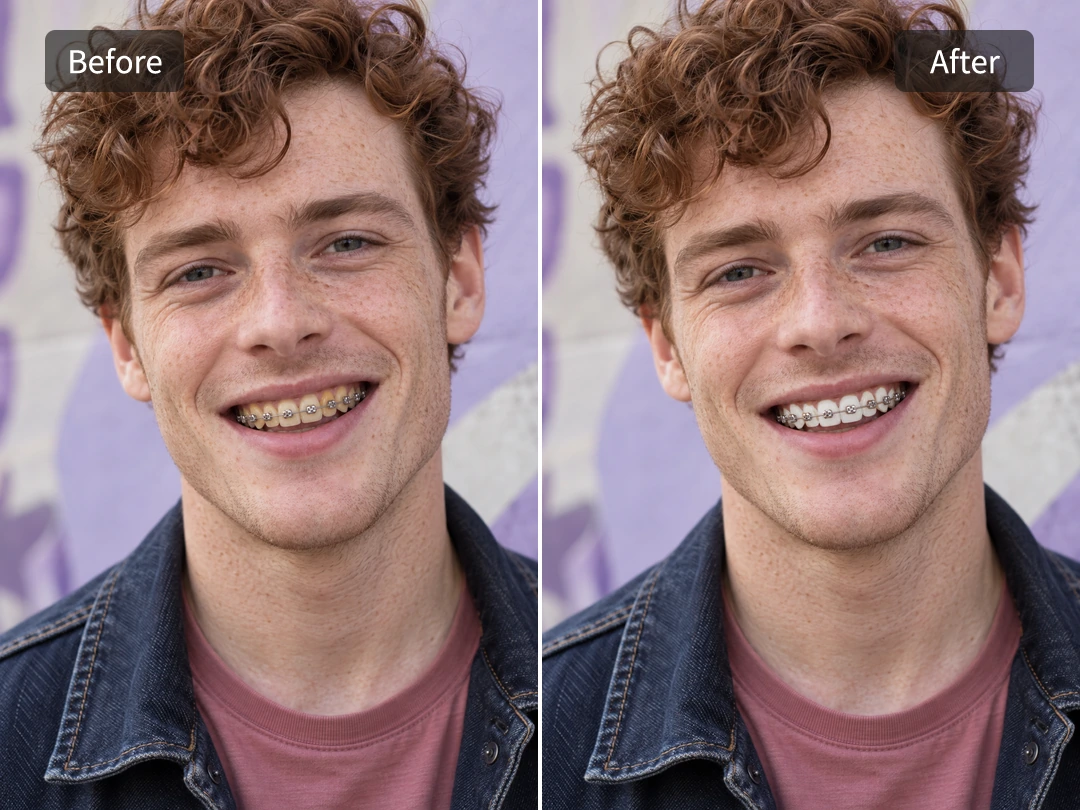
The effect follows the area you brush. Keep strokes on the tooth surface and use a smaller brush near gums, lipstick, and braces. Erase any stray coverage, then check the edges to keep nearby colors natural.
How do I avoid a fake-looking teeth whitening filter?
+
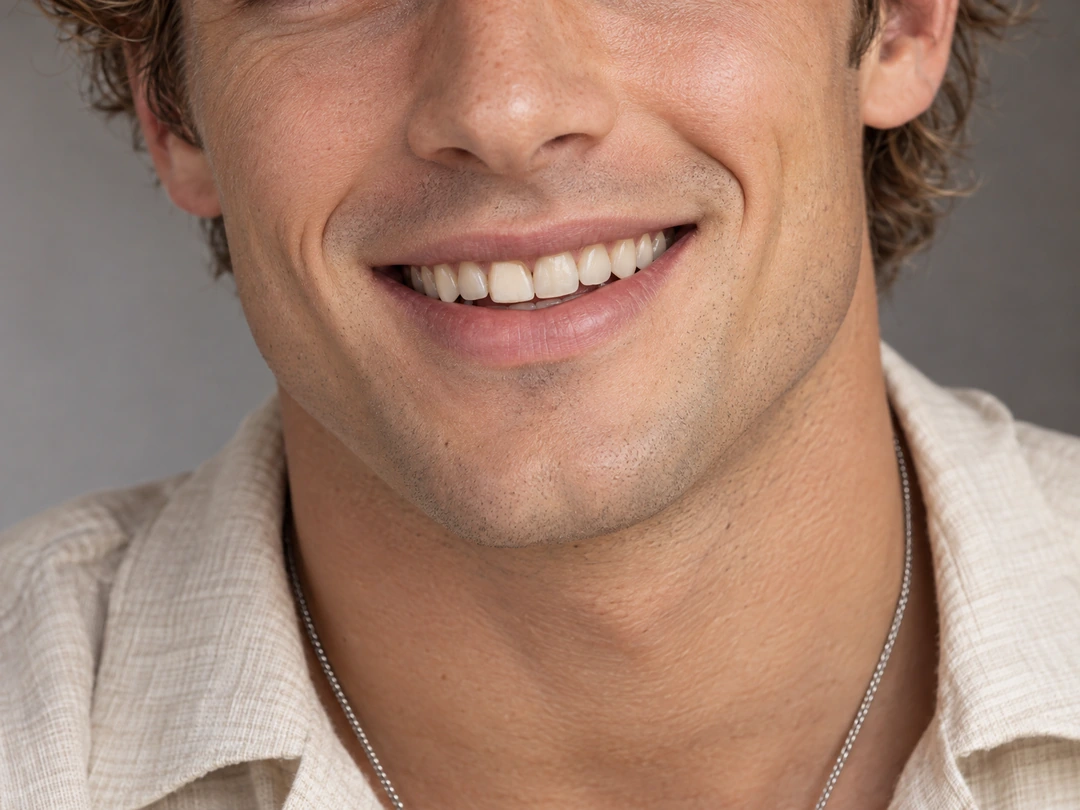
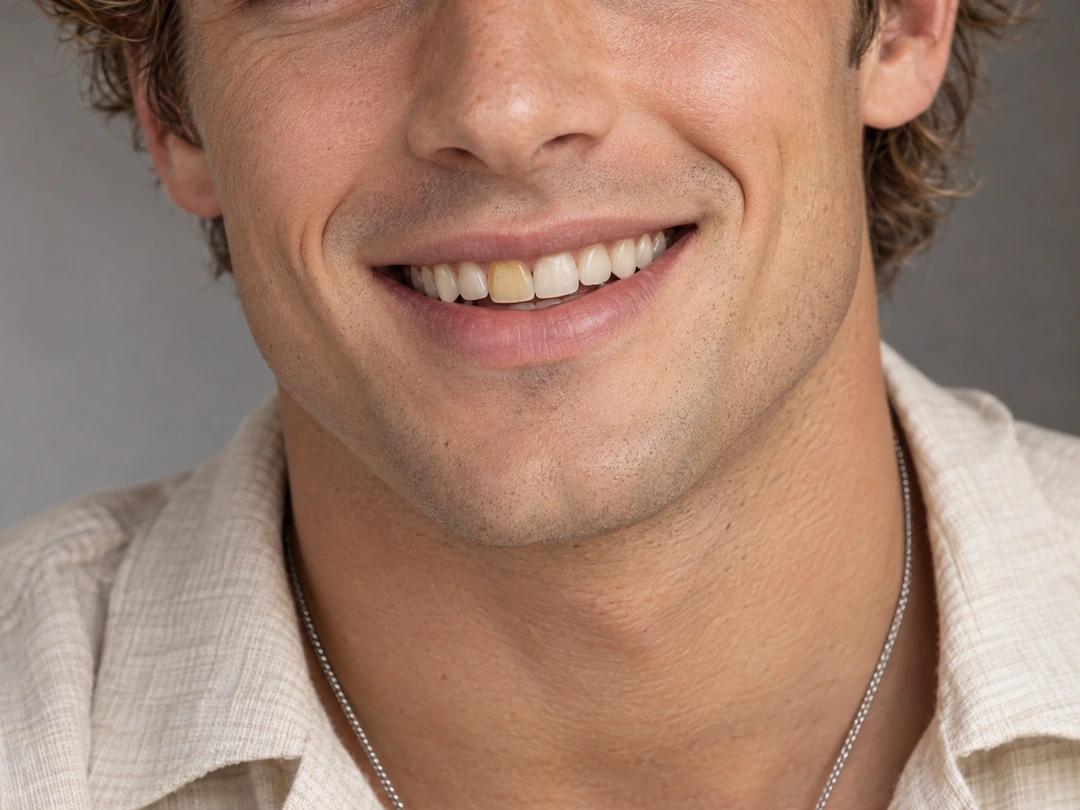
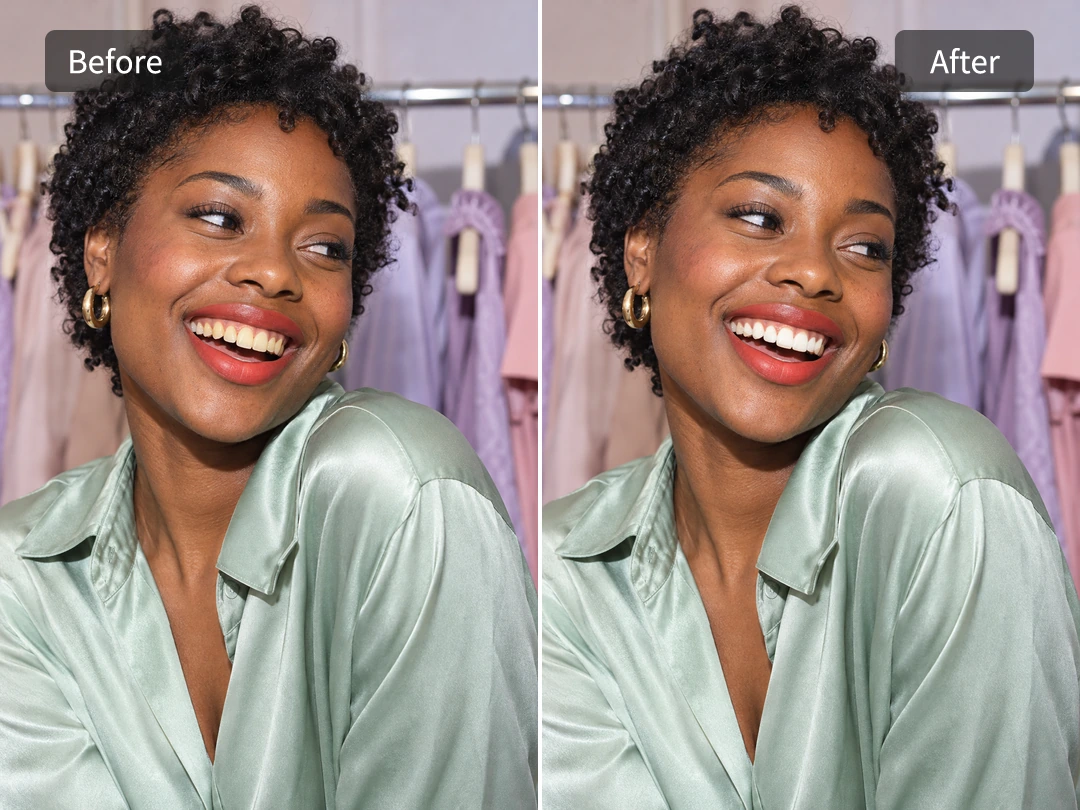
Start with a low strength and keep the small shadows between teeth visible. Check the whole portrait as well as the smile. If the result looks too bright, lower Strength to soften the whitening across painted areas.
What kind of photo gives the best result?
+
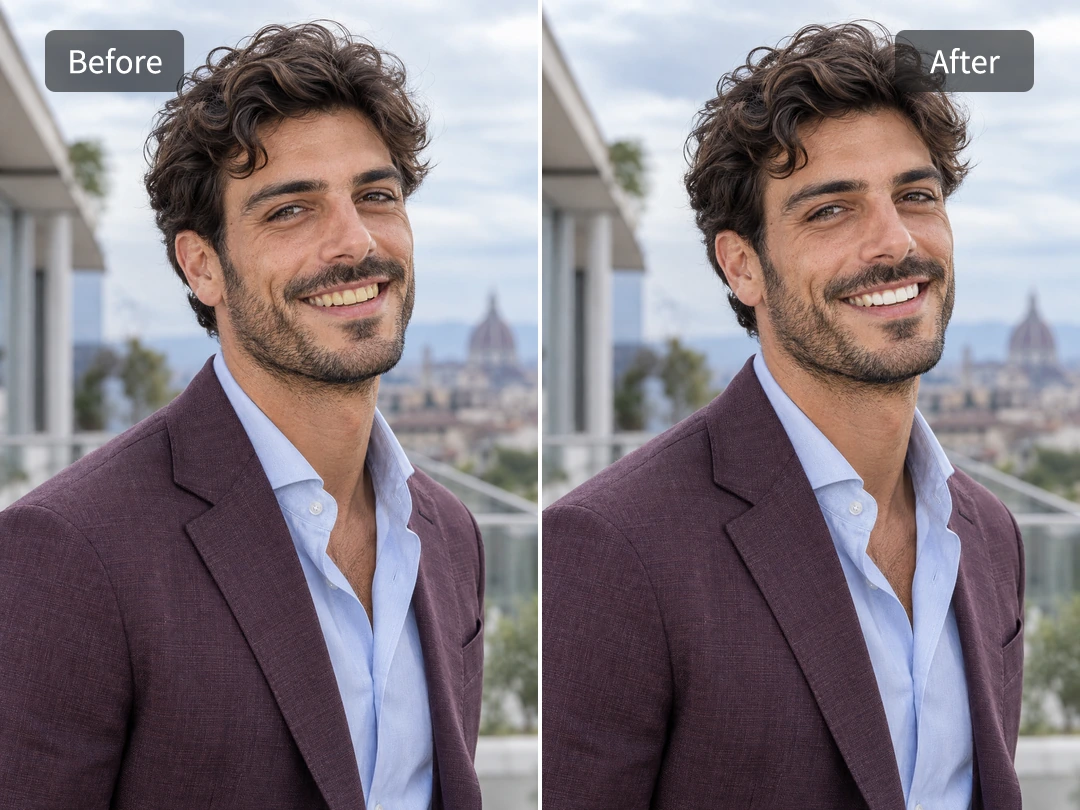
Use a sharp, well-lit original with visible teeth. Avoid heavy blur, deep shadow, and tiny faces in distant group shots. Clear tooth edges help you guide the brush and judge how the whitening fits the photo.
Is this a free teeth whitening photo editor?
+
Yes. You can try PrettyUp online for free, with free credits available. Guest credits are provided once, and signed-in users receive refreshed credits daily. You can also save your edited photo with no watermark.
How are my uploaded photos kept private?
+
Your photos are processed privately in the cloud for editing. Uploads are deleted from the system within 24 hours and are not used to train AI models. You can make your smile touch-up without publishing the image.
Can I adjust each person's teeth in a group photo?
+
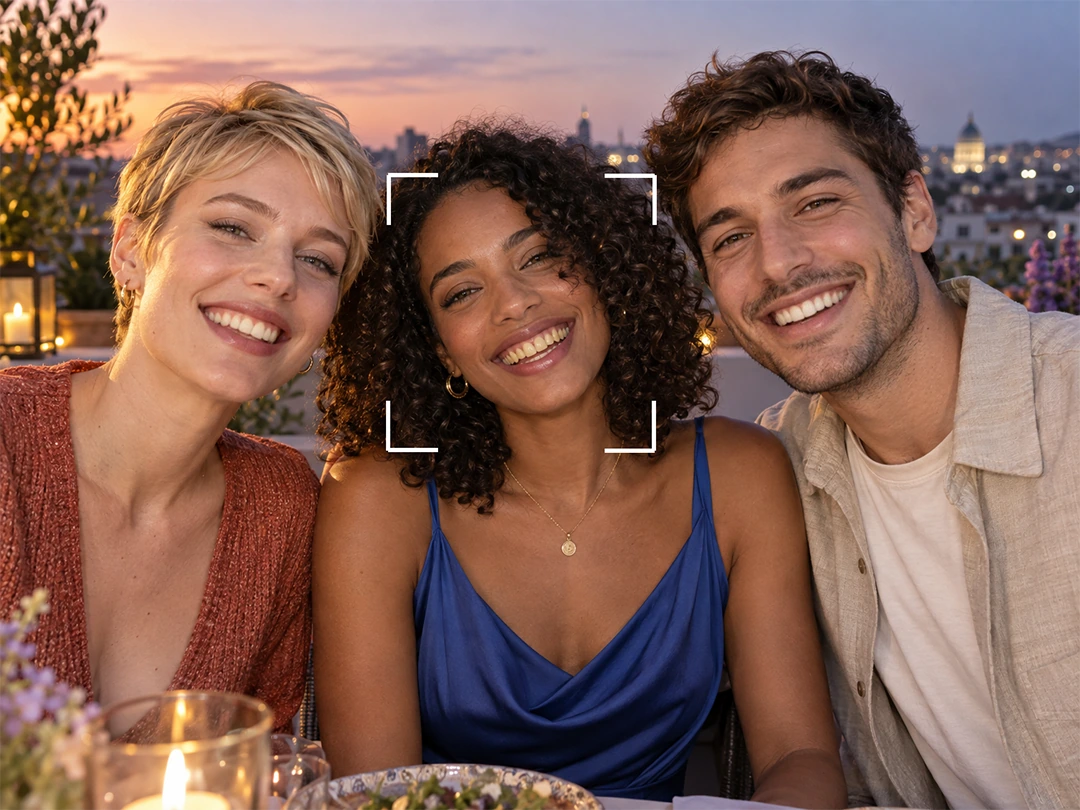
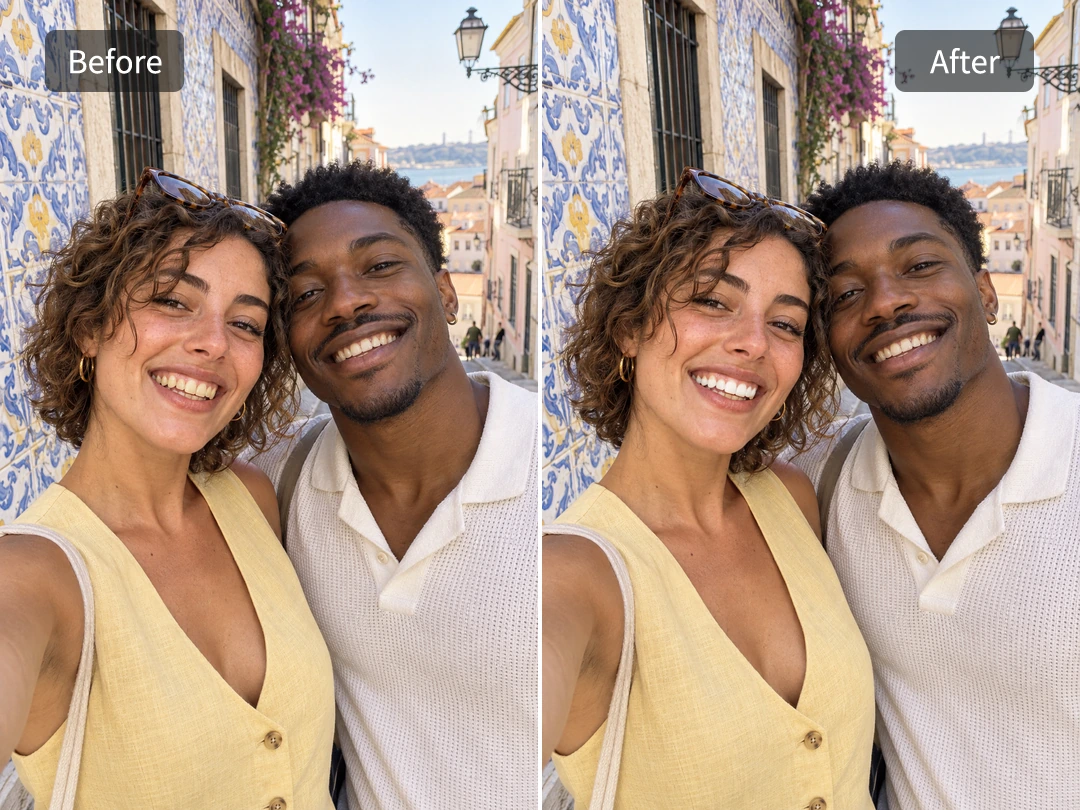
Yes. Adjust the brush size and whitening strength, then brush each person's teeth to suit their tooth color and lighting. You can brighten every smile or touch up just your own while leaving others unchanged.
Can PrettyUp repair broken or missing teeth?
+
Not yet. Tooth repair is in development and is not currently supported. This tool brightens visible teeth in your photo; it does not rebuild chipped or missing teeth, close gaps, or change tooth alignment.
 WEB